
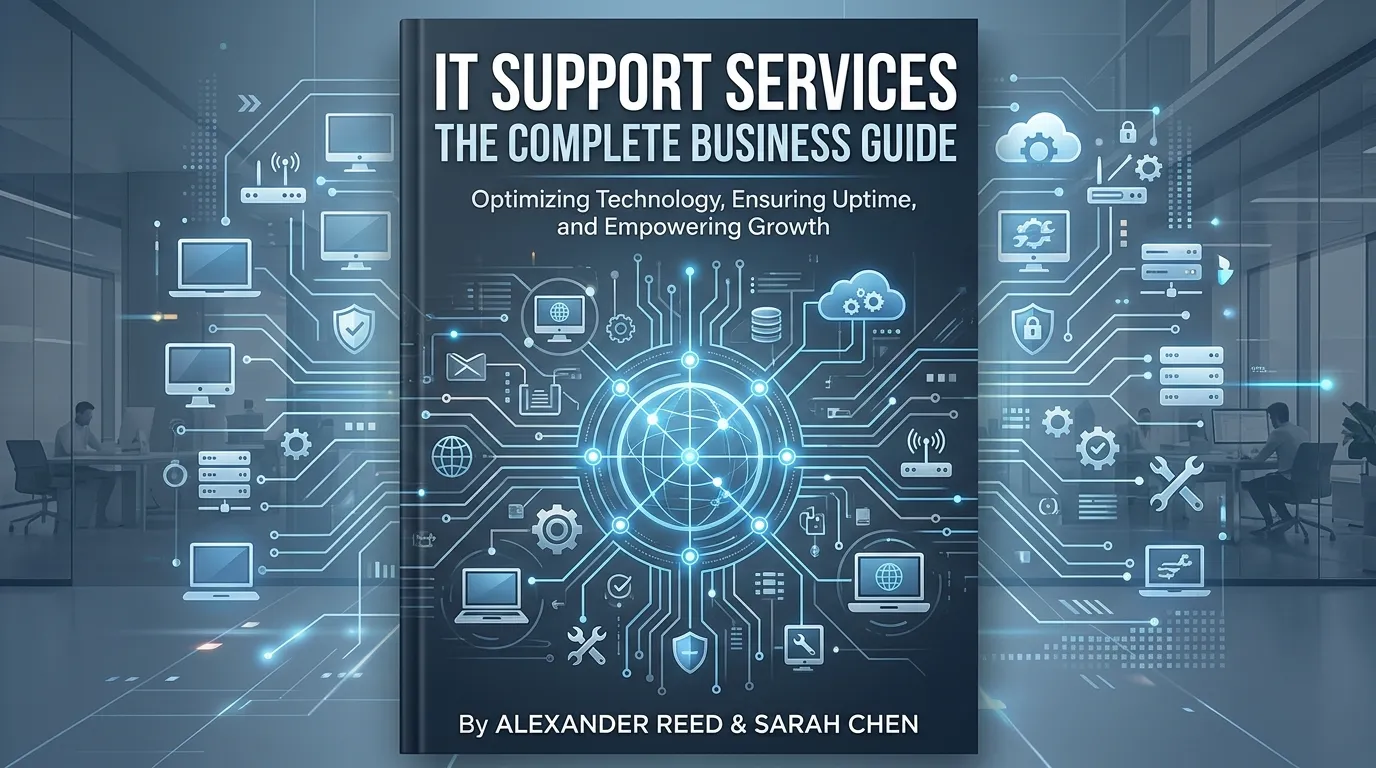
IT support services encompass a range of solutions—from 24/7 helpdesk support and remote troubleshooting to managed IT, cloud support, and enterprise infrastructure management. Businesses of all sizes can reduce downtime, improve security, and control costs by choosing the right IT support model for their needs.
Technology keeps your business running. But when something breaks—a server goes down, a security threat emerges, a software update causes chaos—the cost of inaction adds up fast. According to Gartner, the average cost of IT downtime is $5,600 per minute. For small businesses, even a fraction of that figure can be devastating.
That’s why IT support services have become a strategic priority, not just an operational checkbox. Whether you’re a startup of five or an enterprise of five thousand, the right IT support structure determines how quickly your team recovers from disruptions, how securely your data is protected, and how effectively your infrastructure scales with your growth.
This guide breaks down every major type of IT support service available today—what each one does, who it’s best suited for, and how to decide which combination is right for your business. By the time you finish reading, you’ll have a clear picture of the IT support landscape and a practical starting point for evaluating your options.
What Are Managed IT Support Services?
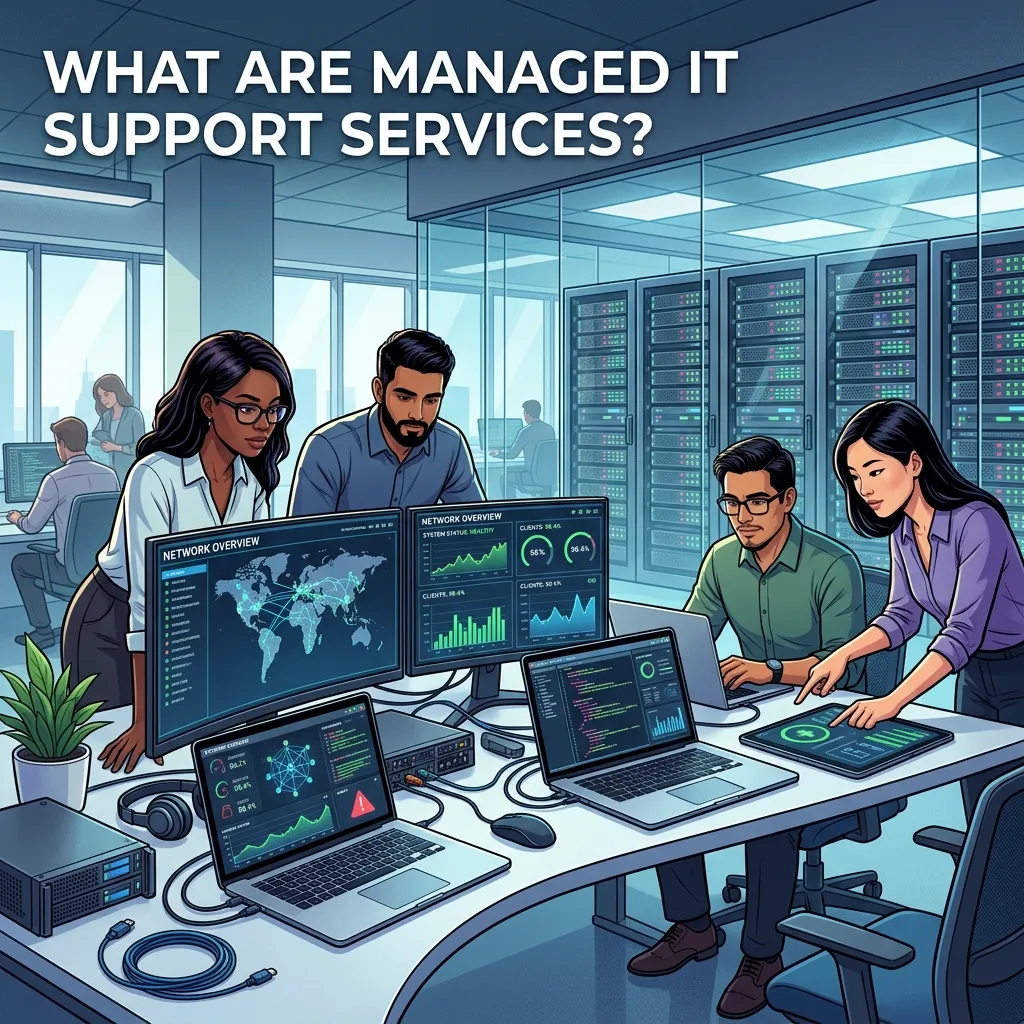
Managed IT support services involve outsourcing the day-to-day management of your IT environment to a third-party provider, known as a Managed Service Provider (MSP). Rather than reacting to problems after they occur, an MSP monitors your systems proactively, applying patches, running maintenance checks, and resolving issues before they escalate into downtime.
For businesses without a large internal IT department, managed IT support services offer a compelling proposition: predictable monthly costs, access to a full team of specialists, and a service level agreement (SLA) that defines exactly what you’re getting.
MSPs typically cover:
- Network monitoring and management
- Endpoint protection and patch management
- Data backup and disaster recovery
- IT strategy and virtual CIO services
- Vendor management
Managed services work particularly well for mid-sized businesses that have outgrown break-fix support but aren’t ready—or resourced—to build out a full internal IT team.Why 24/7 IT Helpdesk Support Matters for Modern Businesses
Business doesn’t stop at 5 PM. Remote teams, international clients, and always-on digital infrastructure mean that IT issues can—and do—arise at any hour. A 24/7 IT helpdesk support solution ensures that someone is always available to triage and resolve problems, regardless of when they surface.
A well-structured IT helpdesk typically operates on a tiered model:
- Tier 1: Basic troubleshooting (password resets, connectivity issues, software errors)
- Tier 2: Deeper technical support (configuration problems, application failures)
- Tier 3: Specialist-level escalations (infrastructure, security incidents, complex integrations)
For businesses with shift workers, global operations, or SLA commitments to their own clients, 24/7 helpdesk coverage removes a critical vulnerability. It also reduces the burden on internal staff who would otherwise be fielding after-hours calls.
How Remote IT Technical Support Services Work
Remote IT technical support services allow technicians to diagnose and resolve issues without setting foot on-site. Using secure remote desktop tools, technicians can access affected systems directly, troubleshoot the root cause, and apply a fix—often within minutes of a ticket being raised.
Remote support has become the default model for many IT providers, and for good reason. It’s faster, more cost-effective, and scales easily across multiple locations. A company with offices in three cities doesn’t need three separate IT teams; a centralized remote support function can serve all of them simultaneously.
Remote IT support is particularly effective for:
- Software installation and configuration
- Network diagnostics
- Security patch deployment
- User account management
- Cloud application troubleshooting
That said, some issues—hardware failures, physical cabling, on-site infrastructure work—still require an in-person technician. The best IT support providers offer a hybrid model: remote-first, with on-site escalation when necessary.
Business IT Support and Maintenance: Keeping Systems Healthy Long-Term
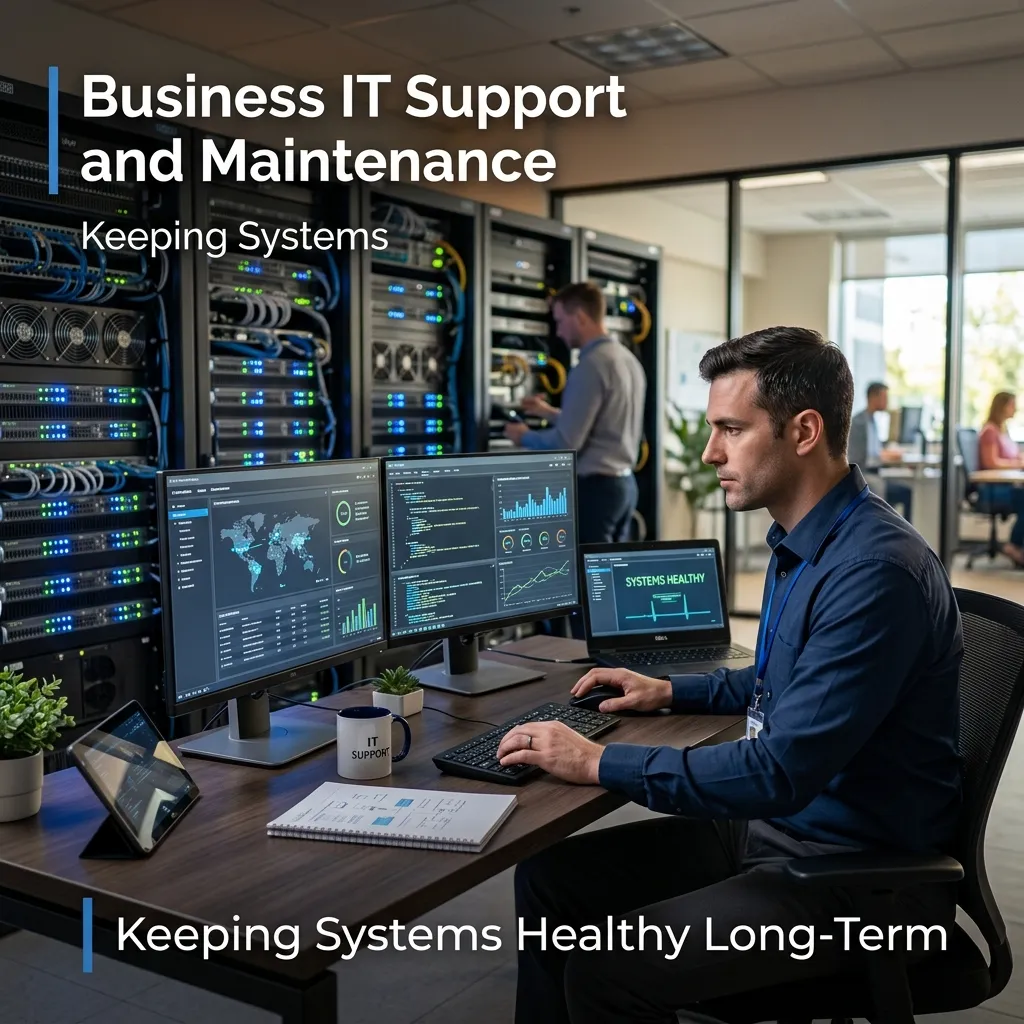
Reactive IT support fixes problems. Preventative IT maintenance stops them from happening in the first place. Business IT support and maintenance services focus on the ongoing health of your systems—regular audits, firmware updates, hardware lifecycle management, and performance optimization.
A structured maintenance program typically includes:
- Monthly or quarterly system health checks
- Patch management and software updates
- Hardware inventory and lifecycle planning
- Security vulnerability assessments
- Backup verification and disaster recovery testing
Businesses that invest in regular IT maintenance consistently report fewer critical failures and lower overall support costs. Prevention is cheaper than recovery—especially when recovery involves data loss or extended downtime.
Enterprise IT Support Services: Scale, Complexity, and Compliance
Enterprise IT support services operate at a different level of complexity. Large organizations face challenges that smaller businesses simply don’t encounter: multi-site infrastructure, thousands of endpoints, strict regulatory compliance requirements, and mission-critical systems that cannot afford downtime.
Enterprise IT support providers address these challenges with:
- Dedicated account management and escalation paths
- ITIL-aligned service delivery frameworks
- Compliance support for GDPR, ISO 27001, HIPAA, and other standards
- Change management and release management processes
- 24/7 Network Operations Center (NOC) monitoring
For large organizations, choosing an enterprise IT support services provider with proven credentials—certifications, documented SLAs, and reference clients in your industry—is non-negotiable. The stakes are simply too high for anything less.
IT Infrastructure Support Services: The Foundation Everything Runs On
Your IT infrastructure is the backbone of your operations. Servers, networks, storage systems, and physical hardware all require specialist support to remain stable, secure, and performant. IT infrastructure support services focus specifically on this layer—ensuring the systems that everything else depends on are running optimally.
Key areas covered by IT infrastructure support include:
- Server management and virtualization
- Network design, configuration, and monitoring
- Storage and backup infrastructure
- Data center management
- Hardware procurement and lifecycle management
Without reliable infrastructure support, even the best software and the most talented teams can be brought to a standstill. Infrastructure failures are often the most severe and costly—making proactive support in this area a high-priority investment.
Cloud IT Support Services: Managing the Modern Stack
The shift to cloud-first infrastructure has changed what IT support looks like. Cloud IT support services cover the management, monitoring, and optimization of cloud environments—whether you’re running on Microsoft Azure, Amazon Web Services (AWS), Google Cloud Platform (GCP), or a hybrid combination of all three.
Cloud support typically includes:
- Cloud migration planning and execution
- Identity and access management (IAM)
- Cloud security and compliance monitoring
- Cost optimization and resource management
- SaaS application support (Microsoft 365, Google Workspace, etc.)
One of the most common pain points businesses face after migrating to the cloud is unexpected costs. A good cloud IT support partner actively monitors your cloud spend, identifies waste, and rightsizes your resources—often delivering significant savings alongside the performance benefits.
On-Demand IT Troubleshooting Services: Support Without the Subscription
Not every business needs a full managed IT contract. On-demand IT troubleshooting services offer flexible, pay-as-you-go support for businesses that only need help when something goes wrong—or for specific projects that fall outside their internal team’s capabilities.
On-demand support is well-suited for:
- Startups and early-stage businesses testing their IT needs
- Project-based work such as system migrations or new office setups
- Businesses with internal IT teams who need specialist backup for complex issues
The trade-off is predictability. Without a managed contract, you won’t have proactive monitoring or guaranteed response times. For growing businesses, on-demand support often serves as a bridge—practical in the short term, but eventually replaced by a more structured arrangement.
Small Business IT Support Solutions: Getting More from Fewer Resources
Small businesses face a unique challenge: they need reliable IT support, but rarely have the budget for an in-house team or enterprise-grade contracts. Small business IT support solutions bridge that gap, offering scaled-down versions of managed services at price points that make sense for leaner organizations.
The most effective small business IT support models combine:
- Remote monitoring and management (RMM) to catch issues early
- Helpdesk access for staff when problems arise
- Basic cybersecurity protection including antivirus and email filtering
- Cloud support for tools like Microsoft 365 or Google Workspace
When evaluating providers, small businesses should prioritize responsiveness, clear pricing, and a provider who takes time to understand their specific environment. A large MSP with thousands of clients may not give a small business the attention it needs.
Outsourced IT Support Services: Building a Business Case
Outsourced IT support services allow businesses to hand off all or part of their IT function to an external provider. The business case is straightforward: access to broader expertise, faster resolution times, and lower costs compared to hiring and retaining in-house staff.
According to Deloitte’s Global Outsourcing Survey, 59% of businesses cite cost reduction as the primary driver for IT outsourcing—but 57% also highlight access to skills and capabilities as a key motivator. The talent argument is compelling. The cybersecurity skills gap alone means that hiring qualified in-house security professionals is increasingly difficult and expensive for most organizations.
Outsourced IT support works best when:
- Your internal team is stretched thin or lacks specialist knowledge
- You’re scaling rapidly and IT demands are growing faster than headcount
- You want to shift IT spend from capital expenditure (CapEx) to operational expenditure (OpEx)
- You need to meet compliance requirements that demand specific certifications or controls
The key to a successful outsourcing arrangement is a well-defined SLA, clear communication protocols, and a provider who functions as a genuine partner—not just a vendor.
How Do You Choose the Right IT Support Model for Your Business?
With so many options available, the right choice depends on a few key variables:
- Business size: Small businesses typically benefit most from bundled managed IT or remote support packages. Enterprise organizations need dedicated, ITIL-aligned providers.
- Internal IT capability: If you have an in-house team, outsourced support can fill specialist gaps. If you have no internal IT staff, a fully managed model is usually the better fit.
- Budget structure: Managed IT support offers predictable monthly costs; on-demand support suits businesses with variable or low IT needs.
- Risk profile: Businesses in regulated industries—finance, healthcare, legal—should prioritize providers with documented compliance credentials.
- Growth trajectory: Scaling businesses should choose providers who can grow with them, rather than locking into a contract that quickly becomes insufficient.
Start Building a Stronger IT Foundation

IT support is not a cost center—it’s a business enabler. The right support model keeps your people productive, your data secure, and your systems resilient enough to handle whatever comes next.
Start by auditing your current IT environment: where are the gaps, what’s breaking most often, and what risks are you currently exposed to? From there, map those gaps to the service categories covered in this guide. Whether you need a 24/7 helpdesk, full managed IT, cloud support, or on-demand troubleshooting, there’s a model designed for exactly your situation.
The businesses that treat IT support as a strategic investment—rather than an afterthought—are the ones that scale without the chaos.
Frequently Asked Questions
What is the difference between managed IT support and break-fix IT support?
Managed IT support involves ongoing, proactive monitoring and maintenance of your IT systems under a recurring contract. Break-fix (or on-demand) support is reactive—you pay for help only when something goes wrong. Managed IT support generally results in fewer incidents and lower long-term costs, while break-fix suits businesses with minimal or unpredictable IT needs.
How much do outsourced IT support services cost?
Pricing varies significantly based on the scope of services, number of users, and provider. Small business managed IT support typically ranges from $100 to $250 per user per month. Enterprise contracts are usually custom-priced based on infrastructure complexity, SLA requirements, and headcount.
What should a business look for in an IT support provider?
Key criteria include documented response time SLAs, relevant industry certifications (such as ISO 27001 or SOC 2), proven experience with businesses of your size and sector, transparent pricing, and references from existing clients. Avoid providers who can’t clearly articulate how escalations are handled.
Is remote IT support as effective as on-site support?
For the majority of IT issues—software errors, connectivity problems, account management, cloud application support—remote IT support resolves problems faster and at lower cost than sending a technician on-site. Physical hardware failures, cabling work, and certain infrastructure tasks still require in-person support.
What are the main benefits of 24/7 IT helpdesk support?
Around-the-clock helpdesk support ensures that IT issues are addressed immediately, regardless of time zone or working hours. This reduces employee downtime, prevents minor issues from escalating overnight, and is essential for businesses with shift workers, global teams, or client-facing SLA commitments.
Can small businesses afford managed IT support services?
Yes. Many IT support providers offer scaled packages specifically designed for small businesses, typically covering remote monitoring, helpdesk access, and basic cybersecurity at a per-user monthly rate. The cost is almost always lower than the equivalent in-house staffing cost—particularly when factoring in recruitment, training, and benefits.