
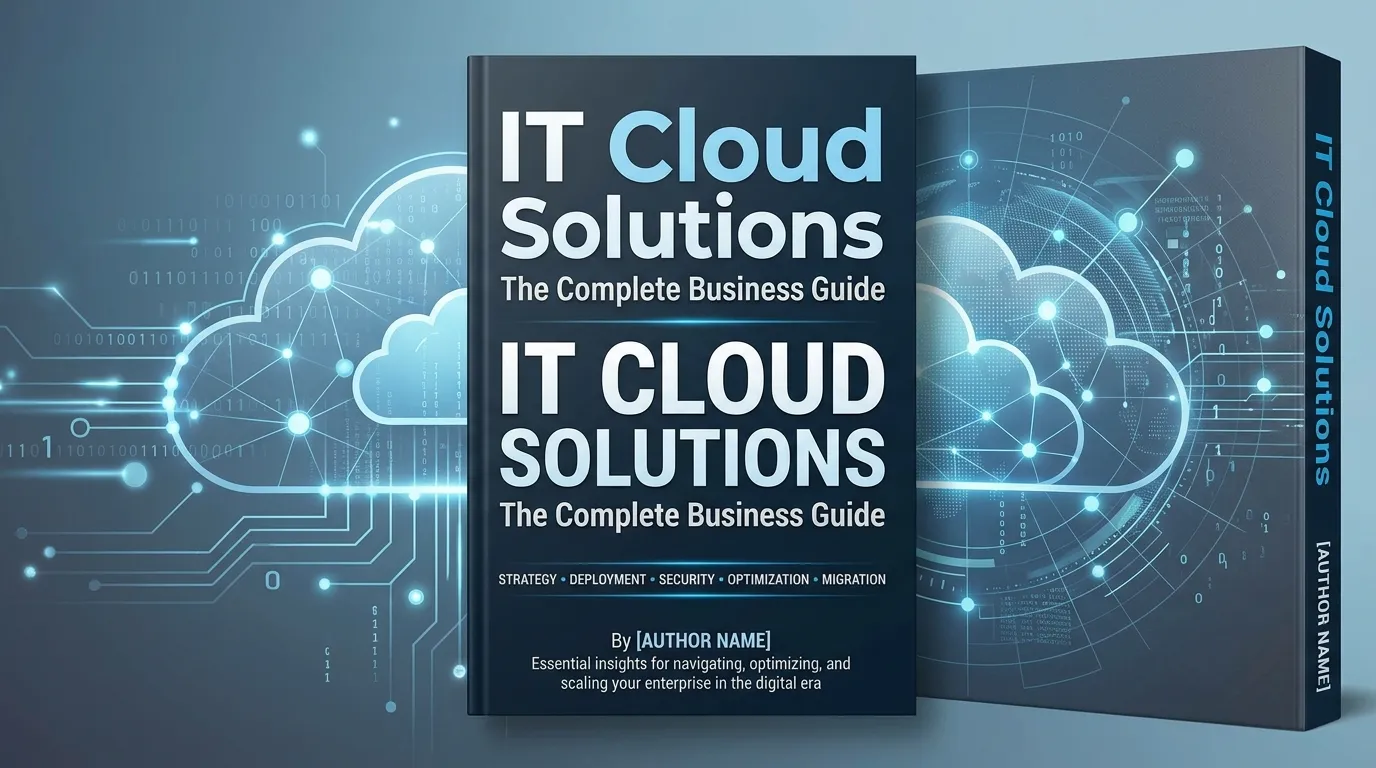
IT Cloud Solutions help businesses improve scalability, reduce IT costs, enhance security, and simplify infrastructure management through cloud-based services. From cloud migration and managed services to hybrid and multi-cloud environments, the right solution enables organizations to boost efficiency, support growth, and stay competitive while maintaining compliance and data protection.
IT cloud solutions encompass a range of services—from cloud hosting and managed infrastructure to hybrid and multi-cloud environments—that help businesses reduce costs, scale faster, and strengthen security. Choosing the right cloud model depends on your organization’s size, workload complexity, and compliance requirements.
Cloud adoption is no longer a forward-thinking strategy. It’s a baseline expectation. According to Flexera’s 2023 State of the Cloud Report, 87% of enterprises now operate a multi-cloud strategy, and global cloud spending is projected to surpass $1 trillion by 2027. Yet, despite how widespread cloud technology has become, many businesses still struggle to identify which solutions actually fit their needs—and how to implement them without disrupting day-to-day operations.
This guide breaks down the full spectrum of IT cloud solutions available to businesses today. From cloud computing fundamentals to enterprise infrastructure, security, and migration, you’ll walk away with a clear picture of what each solution offers, who it’s best suited for, and how to make the right choice for your organization.
What Are Cloud Computing Services?
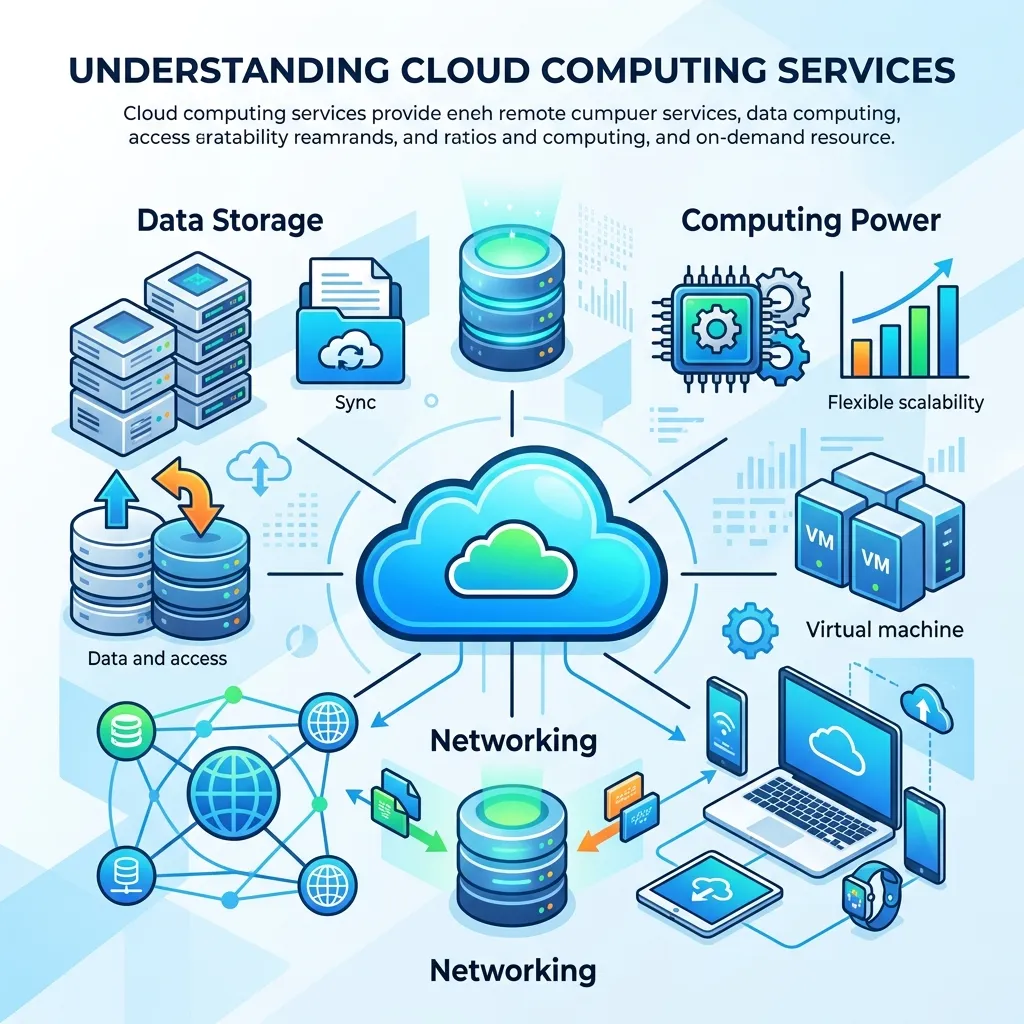
Cloud computing services refer to on-demand access to computing resources—servers, storage, databases, networking, software—delivered over the internet. Rather than owning and maintaining physical hardware, businesses pay for what they use, when they use it.
The three primary cloud computing service models are:
- IaaS (Infrastructure as a Service): Provides virtualized computing infrastructure. Examples include Amazon Web Services (AWS), Microsoft Azure, and Google Cloud Platform (GCP).
- PaaS (Platform as a Service): Offers a development environment for building, testing, and deploying applications without managing the underlying infrastructure.
- SaaS (Software as a Service): Delivers fully managed software applications via the cloud. Think Salesforce, Microsoft 365, and Slack.
Each model serves a different operational need. Startups building custom applications often benefit most from PaaS, while enterprises managing large-scale data workloads tend to lean on IaaS. SaaS, meanwhile, suits virtually any business looking to reduce software overhead.
What Are Managed Cloud Solutions—and Do You Need One?
Managed cloud solutions involve outsourcing the day-to-day management of your cloud environment to a third-party provider. These providers—often called Managed Service Providers (MSPs)—handle everything from monitoring and patching to performance optimization and incident response.
For small to mid-sized businesses without a dedicated IT team, managed cloud solutions can significantly reduce operational burden. Rather than hiring in-house cloud engineers, organizations delegate infrastructure management to specialists who operate at scale.
Common managed cloud services include:
- 24/7 infrastructure monitoring
- Automated backups and disaster recovery
- Cloud cost optimization
- Security compliance and patch management
Choose managed cloud solutions if operational efficiency matters more than full control. If your team lacks cloud expertise or your IT department is stretched thin, working with an MSP can close that gap quickly—without the overhead of building the capability internally.
Enterprise Cloud Infrastructure: What Large Organizations Need to Know
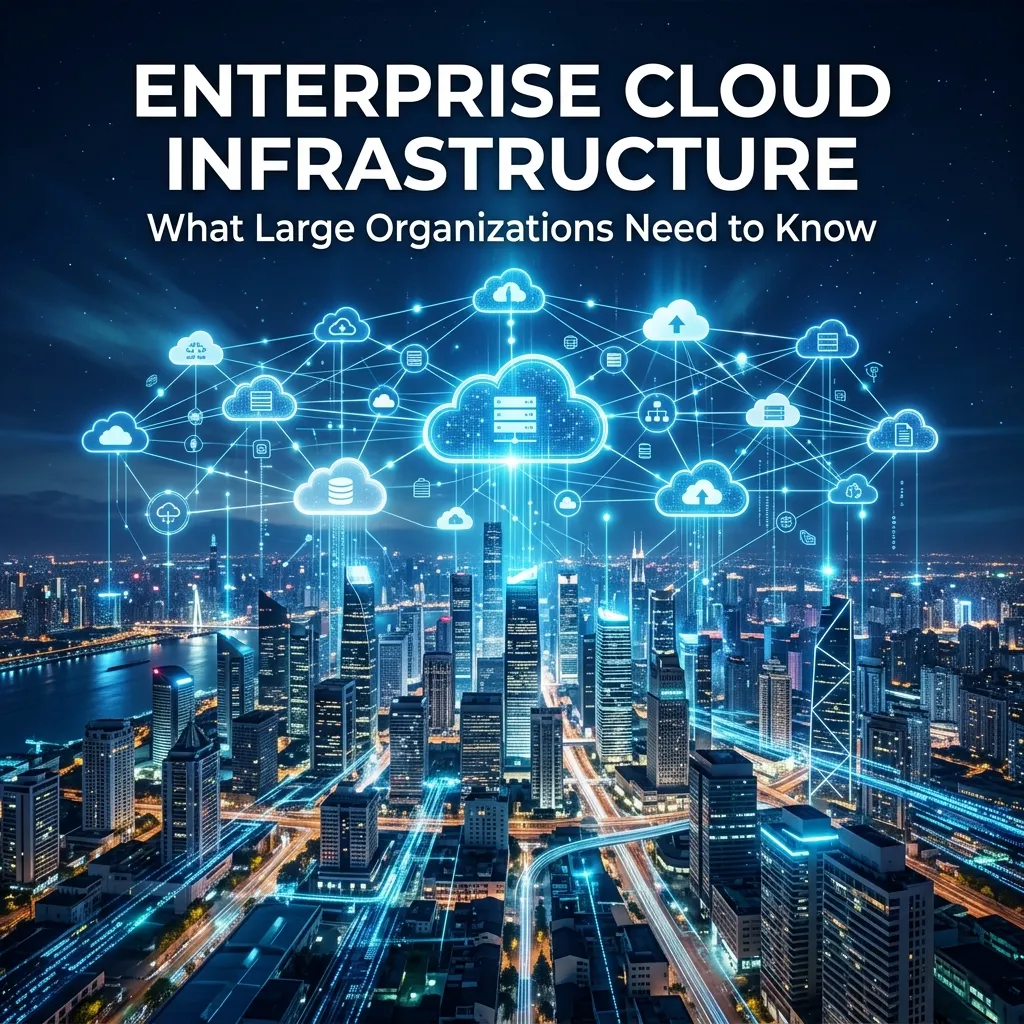
Enterprise cloud infrastructure refers to the complex, high-availability environments that large organizations use to run mission-critical workloads. Unlike standard cloud setups, enterprise infrastructure must support thousands of users, integrate with legacy systems, and meet strict compliance requirements.
Key considerations for enterprise cloud infrastructure include:
- Scalability: The ability to scale compute and storage resources dynamically in response to demand spikes.
- High availability and redundancy: Ensuring uptime through geographically distributed data centers and failover protocols.
- Compliance and governance: Meeting industry-specific regulations such as HIPAA, SOC 2, ISO 27001, and GDPR.
- Integration with legacy systems: Many enterprises still run on-premises systems that must communicate seamlessly with cloud environments.
AWS, Azure, and GCP all offer enterprise-grade SLAs (Service Level Agreements) with uptime guarantees of 99.9% or higher. The right platform depends on existing technology ecosystems—organizations already embedded in Microsoft’s ecosystem, for instance, often find Azure the most natural fit.
Cloud Migration Services: How to Move Without Breaking Things
Cloud migration is the process of moving data, applications, and workloads from on-premises infrastructure—or from one cloud provider to another—into a cloud environment. Done well, it reduces infrastructure costs and improves agility. Done poorly, it results in downtime, data loss, and budget overruns.
Cloud migration services typically follow one of six approaches, commonly referred to as the “6 Rs”:
- Rehost (Lift and Shift): Moving applications to the cloud with minimal changes.
- Replatform: Making minor optimizations without changing the core architecture.
- Refactor: Re-architecting applications to take full advantage of cloud-native capabilities.
- Repurchase: Switching to a SaaS alternative.
- Retire: Decommissioning applications that are no longer needed.
- Retain: Keeping certain workloads on-premises due to compliance or latency requirements.
A phased migration approach—starting with non-critical workloads and gradually moving core systems—minimizes risk. Organizations migrating for the first time should consider engaging a cloud migration partner to assess their environment, define a roadmap, and manage the transition.
Hybrid Cloud Solutions: Bridging On-Premises and Cloud Environments
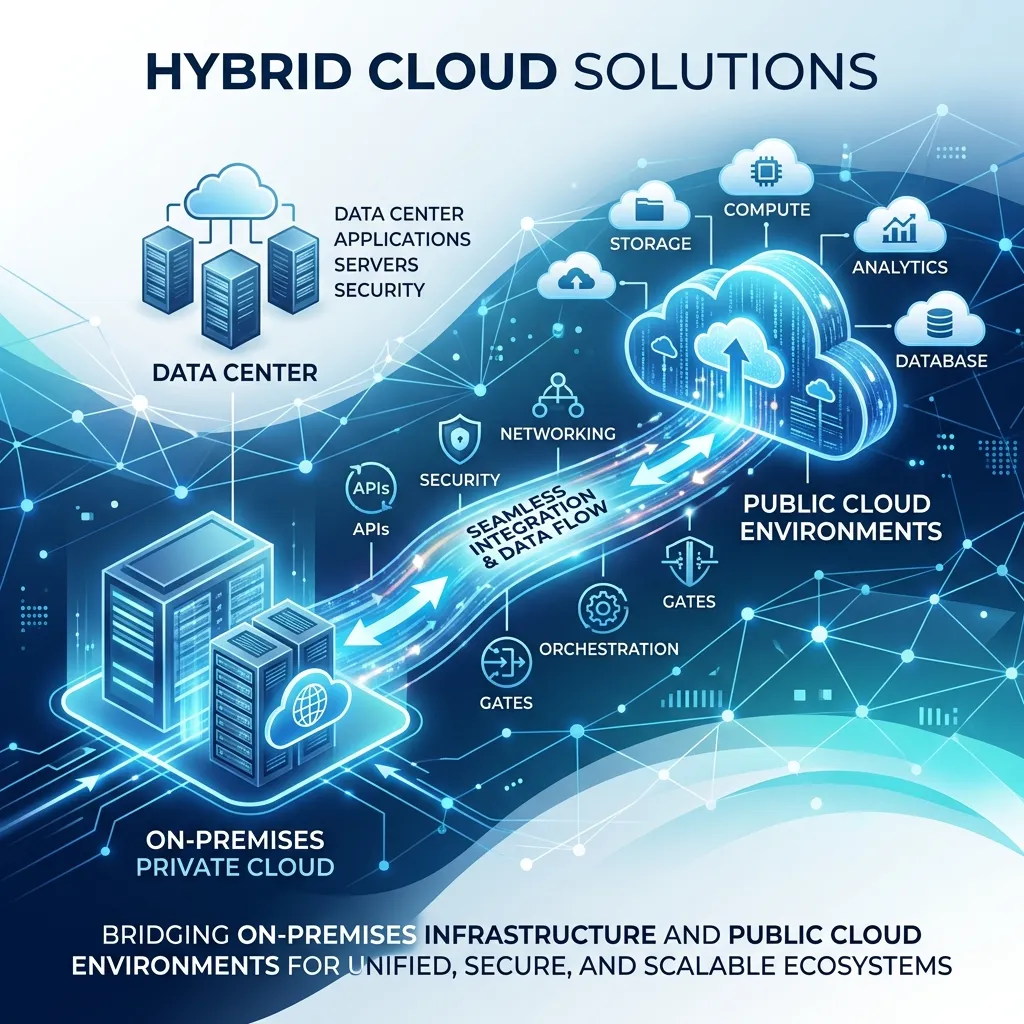
Hybrid cloud solutions combine private on-premises infrastructure with public cloud resources, allowing data and applications to move between the two environments. This model gives businesses the flexibility to keep sensitive workloads in-house while leveraging the cloud’s scalability for less regulated operations.
Hybrid cloud is particularly valuable for industries with strict data sovereignty requirements—healthcare, financial services, and government sectors frequently use this model to maintain compliance without sacrificing cloud benefits.
According to IBM’s 2023 Global Outlook for Banking and Financial Markets report, 72% of financial institutions have adopted a hybrid cloud strategy, citing regulatory compliance as the primary driver.
The trade-off is complexity. Managing workloads across private and public environments requires robust networking, strong identity management, and consistent security policies across both domains.
Cloud Hosting Services: Finding the Right Environment for Your Workloads
Cloud hosting services provide the infrastructure needed to host websites, applications, and databases in a cloud environment. Unlike traditional dedicated hosting, cloud hosting is elastic—resources scale up or down automatically based on traffic and demand.
Types of cloud hosting include:
- Shared cloud hosting: Cost-effective for small websites with low traffic.
- VPS (Virtual Private Server) hosting: Offers more control and dedicated resources within a shared environment.
- Dedicated cloud hosting: Provides an isolated environment for high-performance applications.
- Managed WordPress hosting: Optimized specifically for WordPress sites.
For e-commerce businesses experiencing seasonal traffic spikes, cloud hosting eliminates the need to over-provision for peak periods—you pay for the resources you actually use.
Business Cloud Solutions: How SMBs Can Compete at Scale
Business cloud solutions are designed to give small and medium-sized businesses (SMBs) access to enterprise-grade technology without enterprise-level costs. These solutions typically bundle infrastructure, software, and support into a single, predictable monthly cost.
Common business cloud solutions include:
- Cloud-based ERP systems (e.g., NetSuite, SAP Business One)
- CRM platforms (e.g., HubSpot, Salesforce Essentials)
- Cloud communication tools (e.g., Microsoft Teams, Zoom)
- Cloud storage and collaboration (e.g., Google Workspace, Dropbox Business)
The financial case is straightforward. IDC data shows that businesses adopting cloud solutions reduce IT infrastructure costs by an average of 40%, while also improving system reliability and reducing time spent on maintenance.
Cloud Security Solutions: Protecting Your Data in a Shared Environment
Security remains the most cited concern about cloud adoption. Moving data off-premises introduces new attack surfaces—and traditional security models don’t always translate cleanly to cloud environments.
Effective cloud security solutions address four core pillars:
- Identity and Access Management (IAM): Ensuring only authorized users can access specific resources.
- Data encryption: Encrypting data both in transit and at rest.
- Threat detection and monitoring: Using AI-driven tools to detect anomalous behavior in real time.
- Compliance management: Maintaining audit trails and enforcing regulatory controls automatically.
Leading cloud security platforms include Palo Alto Networks Prisma Cloud, Microsoft Defender for Cloud, and CrowdStrike Falcon. Most major cloud providers also offer native security tooling, though many organizations layer third-party solutions on top for additional coverage.
A Zero Trust security model—where no user or device is trusted by default, regardless of network location—has become the recommended framework for cloud environments, per guidance from the U.S. National Institute of Standards and Technology (NIST).
What Is Multi-Cloud Management—and Why Does It Matter?
Multi-cloud management refers to the strategies and tools used to oversee workloads distributed across multiple cloud providers simultaneously. A business might use AWS for its compute workloads, Azure for Microsoft 365 integration, and GCP for machine learning pipelines—all at the same time.
The appeal is clear: no single-vendor dependency, optimized costs, and the ability to use best-in-class services from each provider. The challenge is visibility. Without centralized management, costs spiral, governance breaks down, and security gaps emerge.
Multi-cloud management platforms—such as HashiCorp Terraform, VMware Aria, and Flexera One—provide unified dashboards for monitoring spend, enforcing policies, and managing resources across cloud environments.
Choose a multi-cloud strategy if avoiding vendor lock-in is a priority, or if different parts of your business have highly specialized infrastructure requirements.
Cloud Infrastructure Management: Keeping Your Environment Healthy and Cost-Efficient
Cloud infrastructure management encompasses the ongoing processes of monitoring, optimizing, and governing your cloud environment. As infrastructure grows in complexity, unmanaged cloud environments quickly become expensive and difficult to operate reliably.
Core cloud infrastructure management practices include:
- FinOps (Cloud Financial Operations): Aligning cloud spending with business outcomes, identifying unused resources, and rightsizing infrastructure.
- Configuration management: Maintaining consistent environments using infrastructure-as-code tools like Ansible, Puppet, or Terraform.
- Performance monitoring: Tracking latency, availability, and resource utilization across all cloud services.
- Disaster recovery planning: Defining recovery time objectives (RTOs) and recovery point objectives (RPOs) to minimize downtime in the event of a failure.
Gartner estimates that organizations waste an average of 30% of their cloud spend due to inefficient resource management. A proactive approach to cloud infrastructure management directly addresses this—turning wasted spend into reinvestment.
Choosing the Right IT Cloud Solution for Your Business
The right cloud solution depends on three variables: your current infrastructure, your growth trajectory, and your risk tolerance.
- Early-stage businesses with limited IT resources benefit most from managed cloud solutions and SaaS-first approaches.
- Mid-market companies scaling rapidly should prioritize cloud migration services and hybrid models to maintain flexibility.
- Enterprises operating in regulated industries need robust cloud security solutions, enterprise-grade infrastructure, and multi-cloud governance frameworks.
The worst move is standing still. Every year that core infrastructure remains on legacy on-premises systems widens the gap between your organization and competitors who’ve already made the transition.
Frequently Asked Questions
What is the difference between public cloud, private cloud, and hybrid cloud?
A public cloud is owned and operated by a third-party provider (e.g., AWS, Azure) and shared across multiple customers. A private cloud is dedicated infrastructure hosted on-premises or by a single provider. A hybrid cloud combines both, allowing workloads to move between environments based on cost, compliance, or performance requirements.
How much do cloud solutions typically cost for a business?
Costs vary widely by service model, provider, and usage. SaaS tools can start at $10–$50 per user per month, while enterprise IaaS environments can run into tens of thousands of dollars monthly. Most providers offer pay-as-you-go pricing, making it possible to start small and scale as needed.
Is cloud infrastructure secure enough for sensitive business data?
Yes, when configured correctly. Leading cloud providers maintain some of the most rigorous security certifications available, including ISO 27001, SOC 2, and FedRAMP. The key is proper configuration, access control, and ongoing monitoring—most cloud breaches stem from misconfiguration rather than provider-side failures.
How long does a cloud migration typically take?
Timelines range from a few weeks for simple workload migrations to 12–18 months for large enterprise migrations with complex legacy systems. A phased approach—migrating non-critical systems first—reduces risk and shortens the overall timeline.
What is cloud infrastructure management, and why does it matter?
Cloud infrastructure management involves monitoring, optimizing, and governing your cloud environment on an ongoing basis. Without it, cloud costs grow unpredictably and security gaps go undetected. Effective management ensures your infrastructure remains reliable, cost-efficient, and aligned with business goals.
When should a business consider a multi-cloud strategy?
A multi-cloud strategy makes sense when a business wants to avoid vendor lock-in, use best-in-class services from different providers, or meet data residency requirements in multiple regions. It’s most effective when paired with centralized management tools and a clear governance framework.
What are IT cloud solutions?
IT cloud solutions are cloud-based services that provide businesses with computing resources, storage, networking, security, and software over the internet, eliminating the need for extensive on-premises infrastructure.
What are the main types of IT cloud solutions?
The primary types include public cloud, private cloud, hybrid cloud, and multi-cloud solutions, each offering different levels of flexibility, control, and security.
What are the benefits of IT cloud solutions for businesses?
IT cloud solutions reduce infrastructure costs, improve scalability, strengthen data security, support remote work, and simplify IT management.
How do managed IT cloud solutions work?
Managed IT cloud solutions allow a service provider to handle cloud infrastructure, monitoring, maintenance, backups, updates, and security so businesses can focus on their core operations.
What is cloud migration, and why is it important?
Cloud migration is the process of moving applications, data, and workloads to the cloud. It helps businesses improve performance, reduce hardware costs, and increase operational flexibility.
Are IT cloud solutions secure?
Yes. Modern IT cloud solutions include advanced security features such as encryption, identity and access management, threat monitoring, and compliance tools to protect sensitive business data.
How do hybrid cloud solutions benefit organizations?
Hybrid cloud solutions combine on-premises infrastructure with public cloud services, offering greater flexibility, improved security, and easier compliance for regulated industries.
When should a business choose a multi-cloud strategy?
A multi-cloud strategy is ideal when businesses want to avoid vendor lock-in, improve reliability, optimize costs, or use specialized services from multiple cloud providers.
How much do IT cloud solutions typically cost?
Costs vary depending on the provider, services, and usage. Most cloud platforms offer flexible pay-as-you-go pricing, making them suitable for businesses of all sizes.
How do I choose the best IT cloud solutions for my business?
Evaluate your business goals, security requirements, budget, scalability needs, compliance obligations, and existing IT infrastructure before selecting the most suitable IT cloud solutions.