
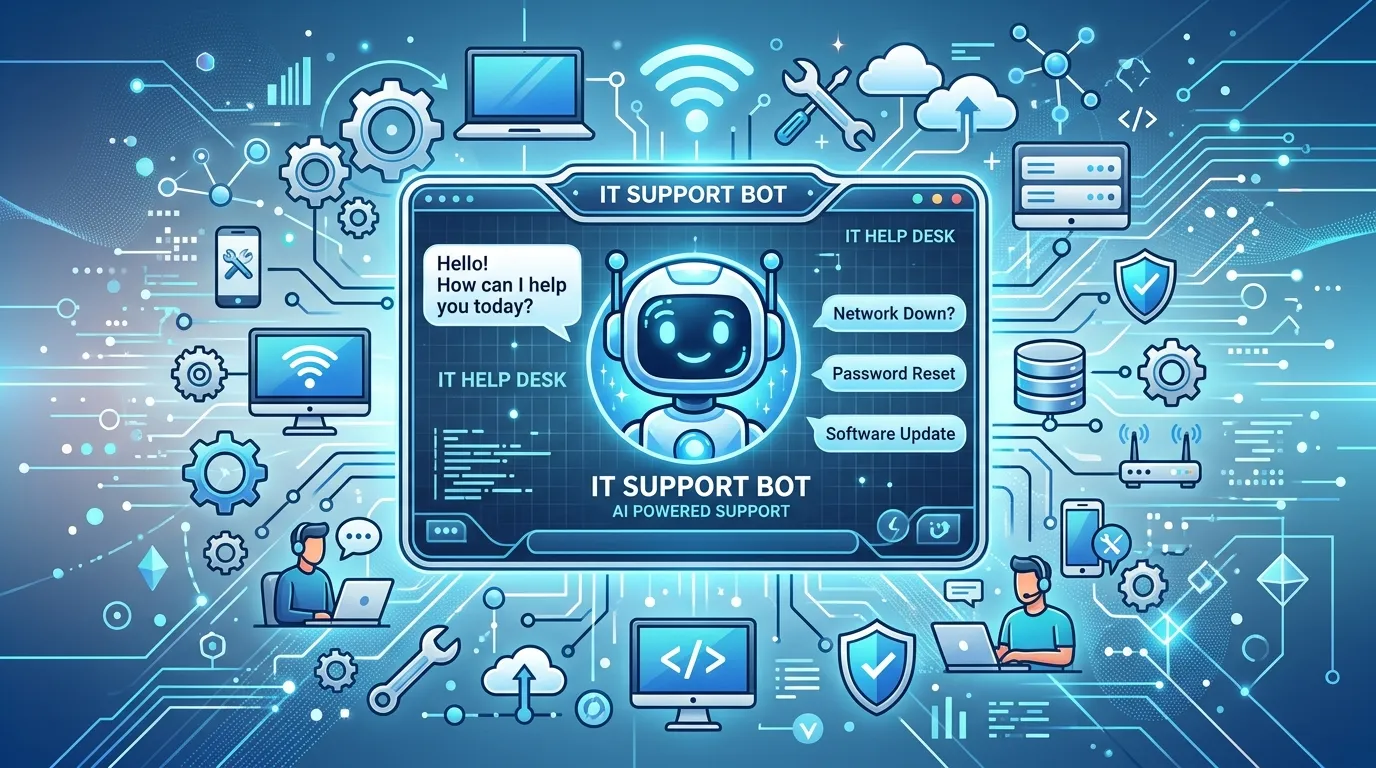
A chatbot for IT support is an AI-powered assistant that helps users resolve common technical issues such as password resets, troubleshooting, and ticket routing. It provides instant, 24/7 support, reduces helpdesk workload, and improves response times, allowing IT teams to focus on more complex tasks.
A chatbot for IT support is an AI-powered tool that resolves common technical issues automatically—password resets, software troubleshooting, and ticket routing—without human intervention. It works 24/7, cuts resolution times, and frees IT teams to focus on complex problems, making it one of the fastest ways to scale support without growing headcount.
IT teams are drowning. Between password reset requests, VPN connection issues, and “have you tried turning it off and on again?” tickets, support staff spend a huge chunk of their day on repetitive, low-value tasks. Meanwhile, employees and customers wait—often hours—for answers to problems that could be solved in seconds.
That’s where an AI chatbot for IT helpdesk support comes in. These tools handle the routine stuff automatically, so your human agents can tackle the issues that actually need a human brain. The result? Faster resolutions, happier users, and a support team that isn’t burning out.
In this guide, we’ll break down what an IT support chatbot does, how it works, the key benefits, and what to look for when choosing one. Whether you’re running a small helpdesk or an enterprise service desk, you’ll walk away knowing exactly how AI can lighten the load.
What is an AI chatbot for IT support?
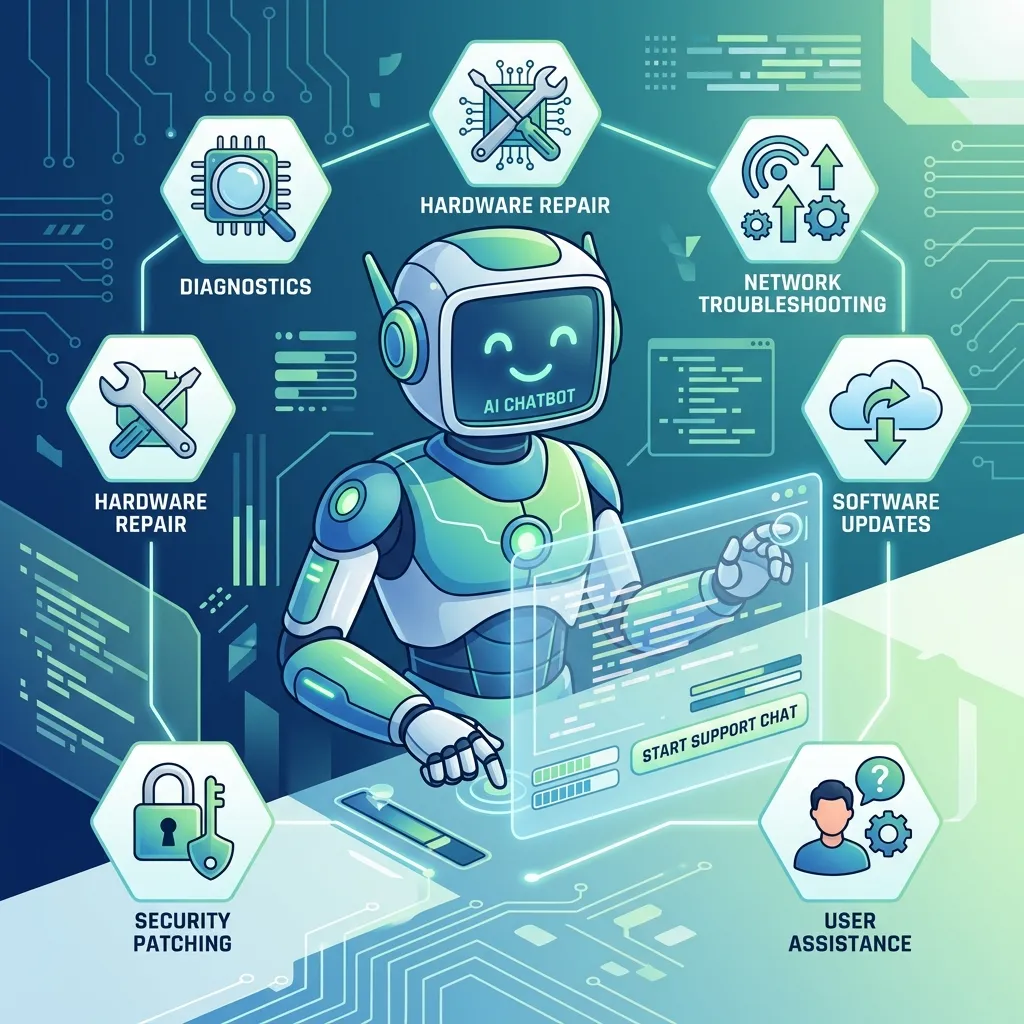
An AI chatbot for IT support is software that uses artificial intelligence to understand and resolve technical issues through conversation. Instead of filling out a form and waiting in a queue, a user simply describes their problem in plain language. The chatbot interprets the request, pulls from a knowledge base, and either solves the issue directly or routes it to the right person.
Modern IT support chatbots rely on natural language processing (NLP) to understand what users mean—not just the exact words they type. So whether someone says “I can’t log in,” “my password isn’t working,” or “locked out of my account,” the chatbot recognizes the intent and offers the right fix.
These tools sit at the heart of IT support automation. They live where your users already are: Slack, Microsoft Teams, email, your company intranet, or a web widget. That accessibility is a big part of why they work so well.
How does an IT helpdesk chatbot actually work?
An AI-powered IT service desk chatbot follows a few core steps to resolve issues. Understanding this flow helps you see where the value comes from.
Step 1: Understanding the request
When a user types a message, the chatbot uses NLP to figure out what they need. It identifies the intent (e.g., “reset password”) and any relevant details (e.g., which application or system).
Step 2: Searching for a solution
The chatbot scans its connected knowledge base—help articles, internal documentation, past tickets—to find a matching solution. Good systems learn over time, getting smarter with every interaction.
Step 3: Resolving or escalating
If the chatbot can solve the problem, it walks the user through the fix or performs the action automatically (like triggering a password reset). If the issue is too complex, it creates a technical support ticket and hands it off to a human agent, complete with all the context already gathered.
This last point matters. An automated IT support chatbot doesn’t replace your team—it makes them more effective by filtering out the noise and handing over only what needs human attention.
What problems can an IT support chatbot solve?
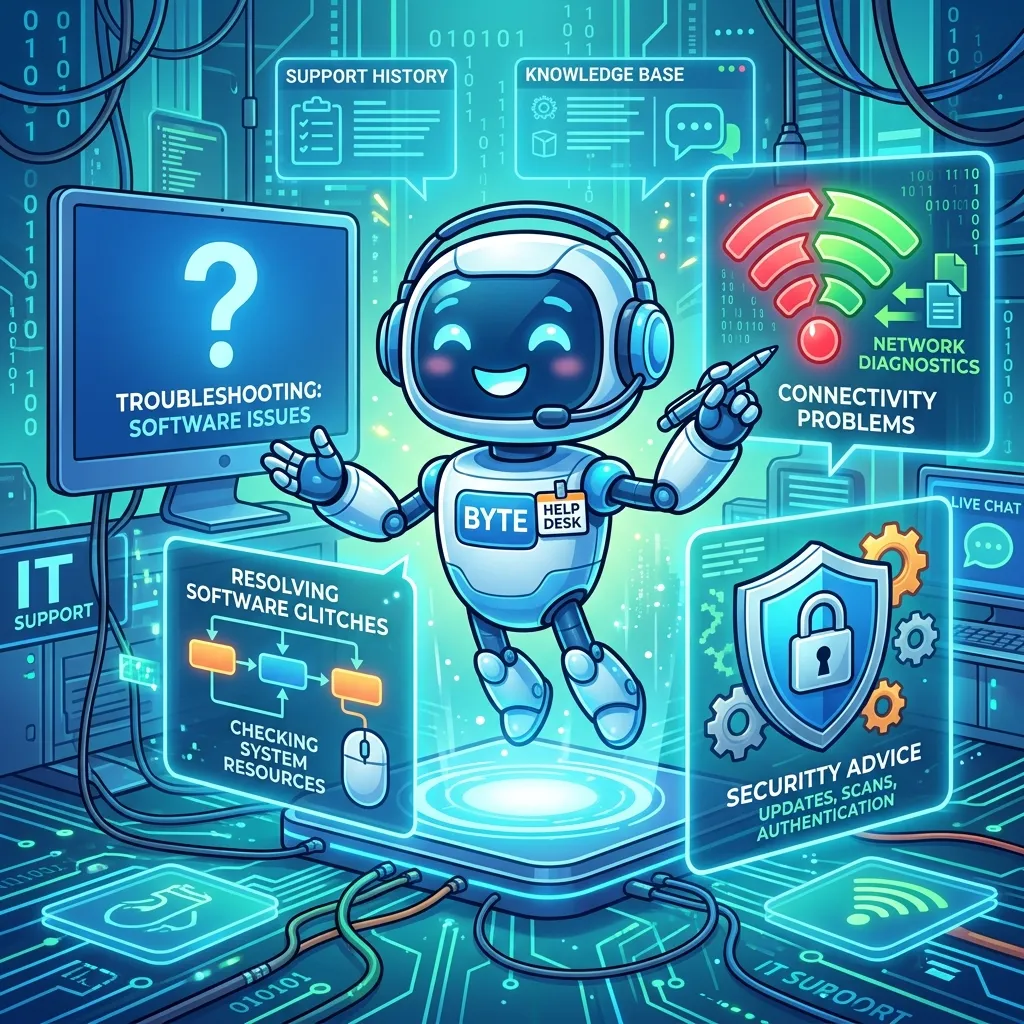
A customer service chatbot for IT issues can handle a surprising range of tasks. Here are the most common ones:
- Password resets and account unlocks — By far the most frequent IT request. A chatbot can verify identity and reset credentials in seconds.
- Software troubleshooting — Guiding users through fixes for common app errors, crashes, or installation problems.
- Hardware and connectivity issues — Walking users through VPN setup, Wi-Fi troubleshooting, or printer problems.
- Access requests — Granting or routing requests for software licenses, shared drives, or system permissions.
- Status updates — Telling users whether a system is down or when a fix is expected.
- Ticket creation and routing — Logging issues that need human help and sending them to the right team.
According to industry research, password-related issues alone can account for 20–50% of all IT helpdesk tickets. Automating just that one category frees up enormous capacity.
What are the key benefits of an IT support chatbot?
Why are so many businesses adopting AI IT troubleshooting chatbot systems? The advantages stack up quickly.
24/7 availability
A 24/7 IT support chatbot never sleeps. Whether someone hits a snag at 2 a.m. or during a holiday weekend, the chatbot is ready to help. For global teams spread across time zones, this round-the-clock coverage is a game changer.
Faster resolution times
Instead of waiting in a queue, users get instant answers to common questions. Self-service resolution can take seconds rather than hours, which dramatically improves satisfaction.
Lower support costs
Every ticket a chatbot resolves on its own is a ticket your team doesn’t have to touch. By automating Tier 1 requests, businesses reduce the cost per ticket and can scale support without hiring more staff.
Reduced agent burnout
Repetitive tickets wear people down. By offloading routine work to an IT helpdesk chatbot software solution, you let your team focus on challenging, rewarding problems—improving morale and retention.
Consistent, accurate answers
Humans have off days. A chatbot delivers the same correct, policy-compliant answer every time, pulling from a single source of truth.
Scalability during spikes
Software rollout? Company-wide outage? An automated IT support chatbot tool can handle thousands of simultaneous conversations without breaking a sweat—something no human team can match.
Who should use an IT support chatbot?
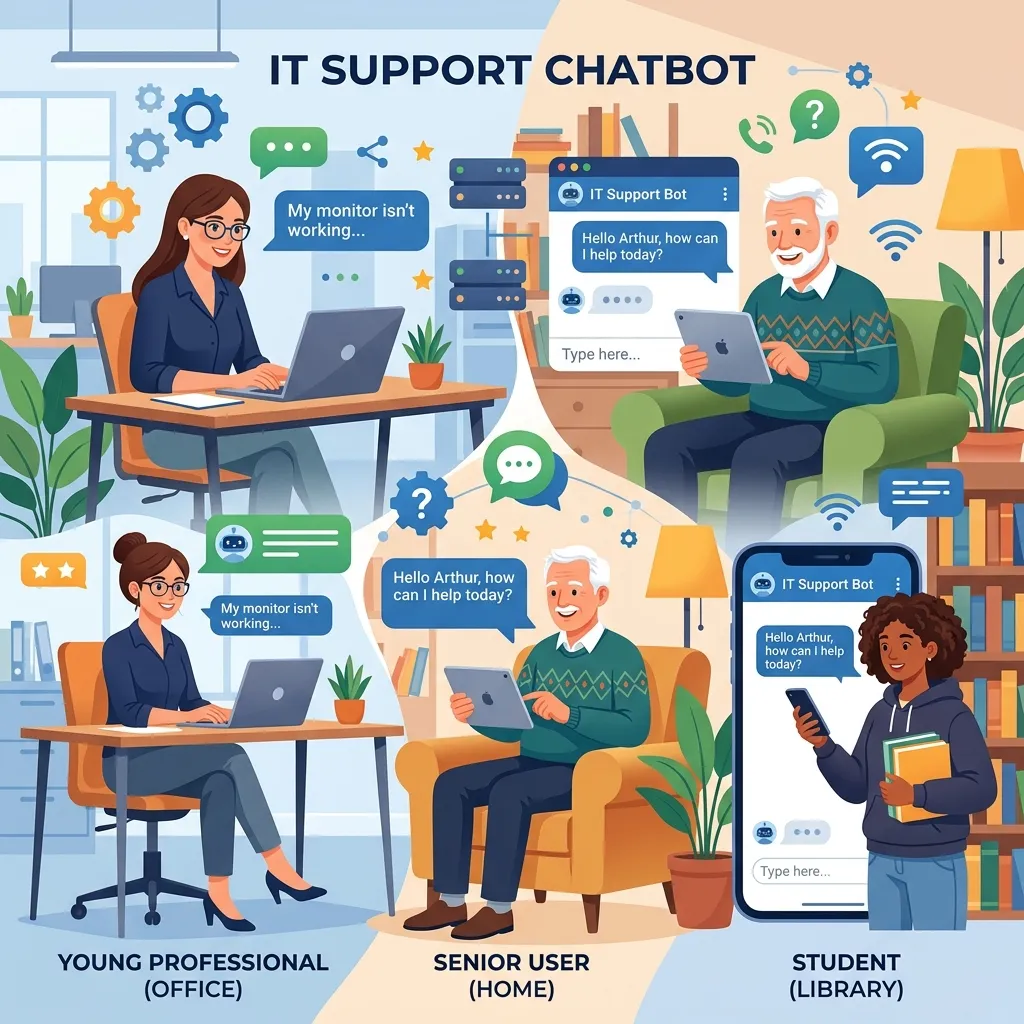
An enterprise IT support chatbot platform isn’t just for massive corporations. Here’s how to think about whether it fits your situation:
- Choose a chatbot if ticket volume is high and repetitive. If your team handles hundreds of similar requests a week, automation will pay off fast.
- Choose a chatbot if you support a distributed or global workforce. Round-the-clock coverage matters most when your users span time zones.
- Choose a chatbot if you’re scaling quickly. Growing companies often outpace their support capacity. A chatbot absorbs that growth without proportional hiring.
- A chatbot may be less urgent if your volume is low and highly specialized. Tiny teams with mostly complex, one-off issues may see less benefit—though even they can automate password resets and FAQs.
What should you look for in IT helpdesk chatbot software?
Not all chatbots are created equal. When evaluating an AI-powered IT service desk chatbot, weigh these factors:
Natural language understanding
The chatbot should understand messy, real-world phrasing—not just exact keyword matches. Strong NLP is the difference between a helpful assistant and a frustrating dead end.
Integrations
Look for a tool that connects with your existing stack: your ticketing system (like Jira or ServiceNow), communication platforms (Slack, Teams), and your knowledge base. The more it integrates, the more it can do.
Easy knowledge base management
The chatbot is only as good as the information behind it. Choose a platform that makes it simple to add, update, and organize help content.
Smooth escalation to humans
When the bot can’t help, the handoff to a human agent should be seamless—with full conversation context passed along so the user doesn’t have to repeat themselves.
Analytics and reporting
You’ll want to track resolution rates, common issues, and user satisfaction. Good reporting helps you spot gaps and keep improving.
Security and compliance
IT support often touches sensitive data and systems. Make sure the platform meets your security standards and supports proper identity verification before performing sensitive actions.
How do you implement an IT support chatbot successfully?
Rolling out a chatbot for technical support tickets takes more than flipping a switch. Follow these steps for a smooth launch:
- Start with your most common tickets. Identify the top 10–20 recurring issues and build the chatbot to handle those first.
- Build a solid knowledge base. Document clear, step-by-step solutions the chatbot can draw from.
- Set clear escalation rules. Decide when and how the chatbot should hand off to a human.
- Test before you launch. Run the chatbot through real scenarios to catch gaps.
- Communicate with users. Let employees or customers know the chatbot exists and how to use it.
- Monitor and improve. Review analytics regularly, fix weak spots, and expand the chatbot’s capabilities over time.
The teams that succeed treat their chatbot as a living system—one that grows smarter and more capable with ongoing attention.
The future of IT support is automated
A chatbot for IT support isn’t a futuristic luxury anymore—it’s becoming a standard part of how efficient teams operate. By automating routine tickets, providing 24/7 coverage, and freeing human agents for complex work, these tools deliver real, measurable value.
The best approach is to start small. Pick your highest-volume, most repetitive tickets, automate those first, and expand from there. Within weeks, you’ll likely see faster resolutions, lower costs, and a support team that’s noticeably less stretched.
If you’re ready to lighten your IT team’s load, now’s the time to explore an AI IT troubleshooting chatbot system that fits your needs. Your users—and your support staff—will thank you.
Frequently asked questions
How much does an IT support chatbot cost?
Pricing varies widely based on features, user volume, and integrations. Many platforms charge per agent, per resolution, or via monthly subscription tiers. Entry-level tools can start at a few hundred dollars a month, while enterprise IT support chatbot platforms with advanced AI and deep integrations cost more. The key is to weigh the cost against the savings from reduced ticket volume and agent time.
How long does it take to set up an IT helpdesk chatbot?
A basic chatbot handling common requests can be live in a few days to a couple of weeks. More complex deployments—with custom integrations, large knowledge bases, and advanced automation—may take a few months. Starting with a focused set of high-volume tickets speeds up the timeline considerably.
Can a chatbot fully replace human IT support agents?
No. An AI chatbot for IT helpdesk support is best at handling routine, repetitive tasks. Complex troubleshooting, sensitive situations, and nuanced judgment still require human agents. The goal is to combine the two: let the chatbot handle Tier 1 issues while your team focuses on higher-value work.
What’s the difference between an IT support chatbot and a regular chatbot?
A general chatbot answers broad questions, while an AI-powered IT service desk chatbot is purpose-built for technical support. It integrates with IT systems, can perform actions like password resets, routes technical support tickets to the right teams, and pulls from IT-specific knowledge bases.
Is an IT support chatbot secure?
Reputable platforms include strong security measures, including identity verification, data encryption, and compliance certifications. Because IT chatbots often access sensitive systems, security should be a top evaluation criterion. Always confirm the platform meets your organization’s standards before granting it access to critical tools.
What is a chatbot for IT support?
A chatbot for IT support is an AI-driven virtual assistant that helps users resolve technical issues and automates common helpdesk tasks.
How does an IT support chatbot work?
It uses artificial intelligence and natural language processing (NLP) to understand user requests, provide solutions, and escalate complex issues when needed.
What tasks can an IT support chatbot automate?
It can automate password resets, account unlocks, software troubleshooting, ticket creation, access requests, and status updates.
What are the benefits of using a chatbot for IT support?
Key benefits include 24/7 availability, faster issue resolution, reduced support costs, improved user satisfaction, and lower agent workload.
Can an IT support chatbot integrate with existing helpdesk software?
Yes, most IT support chatbots integrate with platforms such as ServiceNow, Jira, Microsoft Teams, Slack, and other IT service management tools.
Is a chatbot for IT support suitable for small businesses?
Yes, small businesses can use chatbots to automate routine support requests and improve efficiency without hiring additional staff.
Can an IT support chatbot replace human support agents?
No, it is designed to handle repetitive Tier 1 issues while human agents focus on complex troubleshooting and specialized support.
Is an IT support chatbot secure?
Most enterprise-grade chatbots include security features such as encryption, user authentication, and compliance controls to protect sensitive data.
How long does it take to implement an IT support chatbot?
Basic implementations can take a few days or weeks, while enterprise deployments with advanced integrations may take several months.