
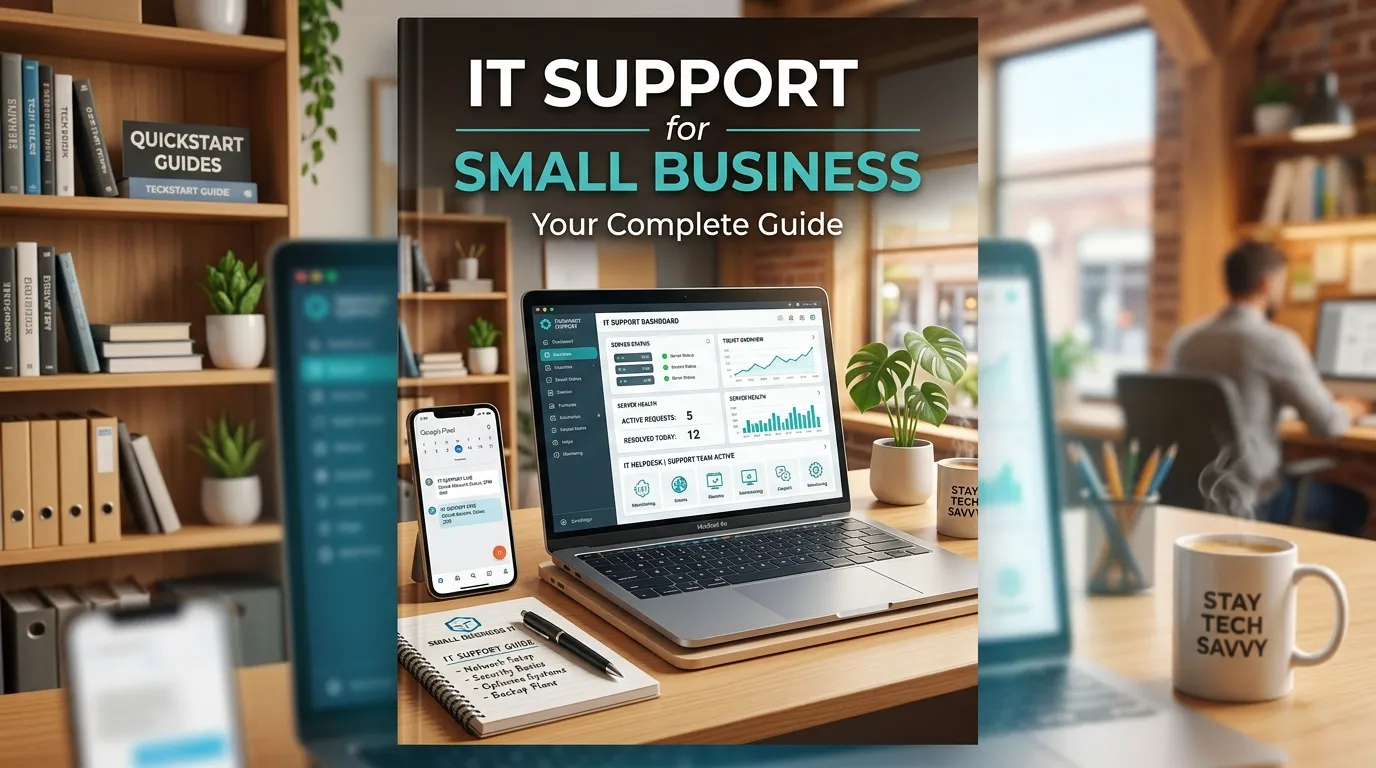
Small business IT support provides essential services like managed IT solutions, remote help desk assistance, cybersecurity, and IT consulting to keep operations running smoothly. The right IT support model helps small businesses reduce downtime, improve security, and stay productive while keeping costs under control.
Small businesses need reliable IT support to stay competitive, secure, and productive. From managed IT services and remote help desks to outsourced IT consulting, there are affordable options for every budget and business size. Choosing the right IT support model can reduce downtime, strengthen cybersecurity, and free your team to focus on growth.
Running a small business means wearing a lot of hats. But “amateur IT technician” shouldn’t be one of them. Yet for millions of small business owners, that’s exactly what happens—troubleshooting Wi-Fi outages, resetting passwords, and dealing with ransomware threats all before the morning coffee gets cold.
The cost of IT problems adds up fast. According to Gartner, IT downtime costs businesses an average of $5,600 per minute. For a small business, even a fraction of that figure can be devastating. A crashed server, a phishing attack, or a simple misconfigured device can bring operations to a standstill—and push customers straight to your competitors.
The good news? Affordable, scalable IT support is more accessible than ever. Whether you’re a five-person startup or a 50-person operation, there’s an IT support model built for your needs and your budget. This guide breaks down every major option—managed services, remote support, outsourced IT consulting, and more—so you can make a confident, informed decision.
What Are Small Business IT Support Services?
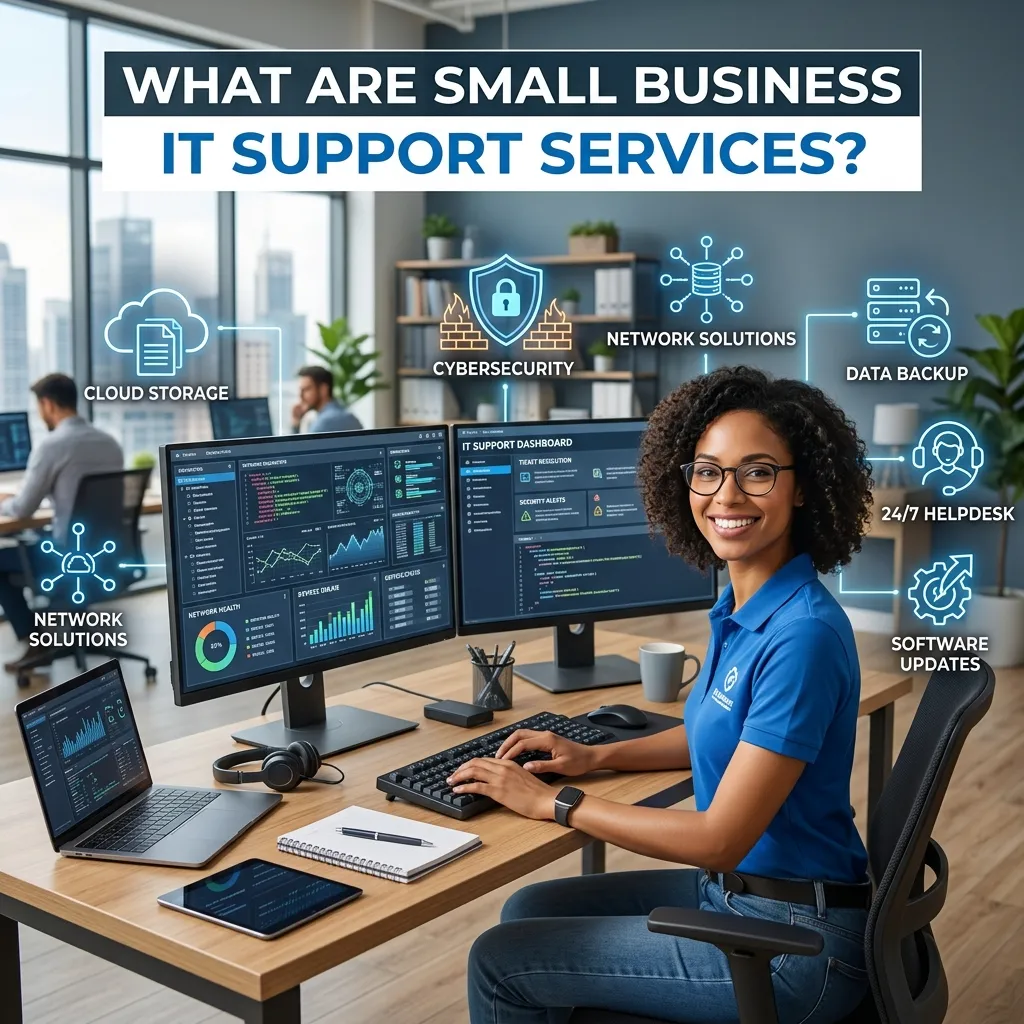
Small business IT support services encompass any professional assistance that helps a company plan, maintain, secure, and troubleshoot its technology infrastructure. This includes everything from setting up a secure network and managing devices to resolving day-to-day technical issues and advising on long-term IT strategy.
Unlike large enterprises that can afford full in-house IT departments, small businesses typically need a more flexible approach. The right support model depends on factors like the size of your team, the complexity of your tech stack, your industry’s compliance requirements, and—critically—your budget.
Here’s a quick breakdown of the main categories:
- Break-fix support: You pay for IT help only when something goes wrong. Low upfront cost, but unpredictable expenses and reactive by nature.
- Managed IT services: A third-party provider proactively manages your IT infrastructure for a flat monthly fee.
- Remote IT support: Technicians resolve issues remotely via screen-sharing tools, reducing response times and costs.
- IT consulting: Strategic advisory services to help plan infrastructure upgrades, cybersecurity frameworks, or cloud migrations.
Managed IT Services for Small Businesses: What Do You Get?
Managed IT services are the gold standard for small businesses that want predictable costs and proactive support. A managed service provider (MSP) monitors your systems around the clock, applies security patches, manages backups, and resolves issues—often before you even notice them.
What’s typically included in a managed IT services package?
Most managed IT services packages for small businesses include:
- Network monitoring and management: Continuous oversight of your routers, switches, and firewalls to prevent outages.
- Endpoint management: Keeping all devices (laptops, desktops, mobile phones) updated and secure.
- Data backup and disaster recovery: Regular automated backups with tested recovery plans.
- Cybersecurity tools: Antivirus software, email filtering, multi-factor authentication, and threat detection.
- Help desk access: A dedicated support line for your staff to resolve day-to-day tech issues.
- Vendor management: Your MSP liaises with software and hardware vendors on your behalf.
How much do managed IT services cost for small businesses?
Pricing varies by provider and scope, but most small businesses can expect to pay between $100 and $250 per user per month for a comprehensive managed IT services package. That’s significantly cheaper than hiring a full-time IT professional, whose average salary in the U.S. sits around $65,000–$80,000 per year, according to the U.S. Bureau of Labor Statistics.
The math is straightforward: a 10-person team on a managed IT plan might cost $1,000–$2,500 per month. One full-time hire would cost more than double that—and still leave gaps in coverage outside business hours.
IT Help Desk for Small Companies: Why Fast Support Matters
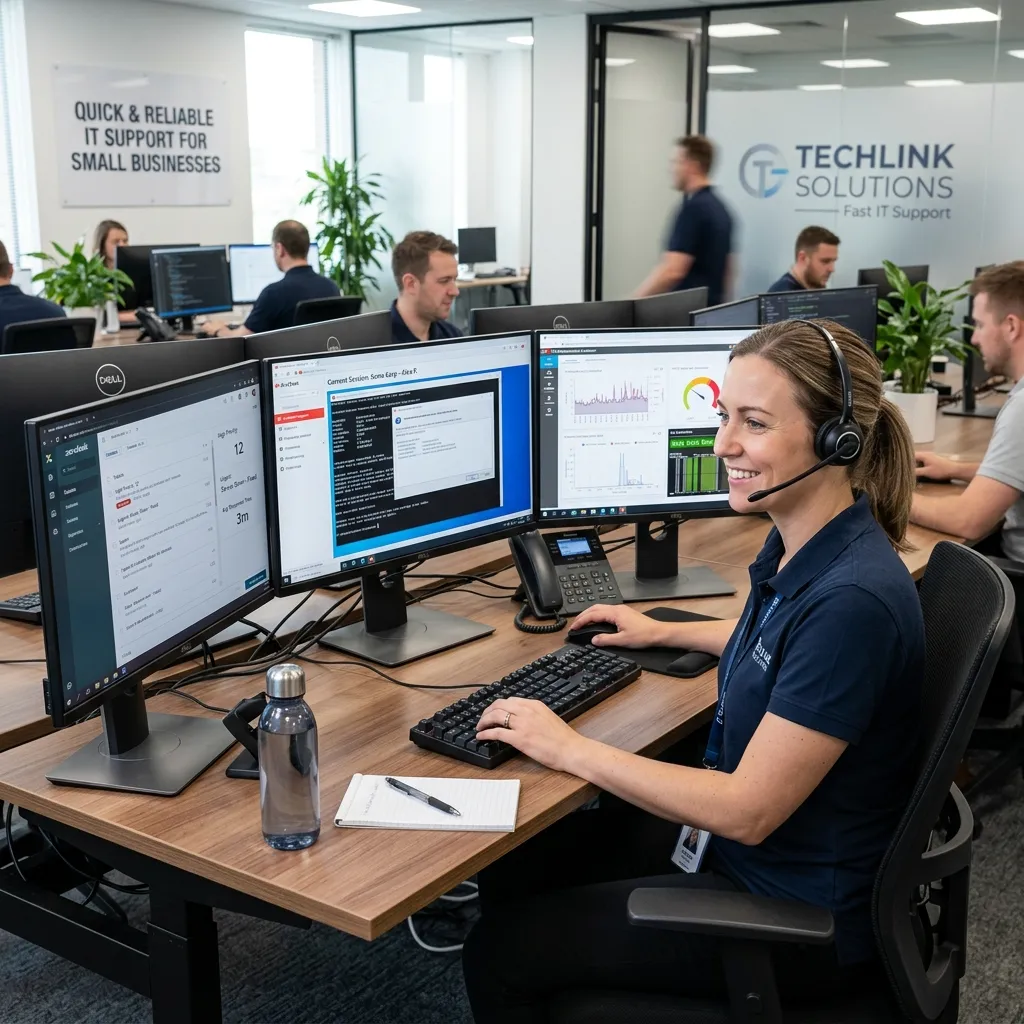
Every minute your staff spends troubleshooting a technical issue is a minute they’re not serving customers or closing deals. An IT help desk gives your team a direct line to expert support, reducing frustration and lost productivity.
For small companies, the help desk doesn’t need to be in-house. Many MSPs and outsourced IT support providers offer help desk access as part of their service packages. Staff can reach a technician via phone, chat, or email—and issues are typically triaged by severity so critical problems get resolved first.
A good IT help desk for small businesses should offer:
- Rapid response times (ideally under one hour for critical issues)
- Multi-channel support (phone, email, live chat)
- Clear ticketing systems so nothing falls through the cracks
- Knowledge base access for common issues staff can self-resolve
Affordable IT Support Solutions: How to Get More for Less
Budget is the number one constraint for small businesses shopping for IT support. The challenge is finding a solution that doesn’t cut corners on security or reliability. Here’s how to maximize value:
Prioritize managed services over break-fix
Break-fix support feels cheaper because you only pay when something goes wrong. But emergencies are expensive—both in labor costs and downtime. A managed IT services model spreads the cost predictably and prevents many issues from occurring at all.
Bundle your services
Many IT support providers offer tiered bundles that combine help desk, cybersecurity, and infrastructure monitoring. Bundled packages are almost always cheaper than purchasing each service separately.
Leverage cloud technology
Cloud-based tools like Microsoft 365 and Google Workspace reduce the need for on-site servers, dramatically lowering infrastructure costs. A good IT consultant can help you migrate to the cloud efficiently, cutting hardware expenses while improving flexibility.
Don’t skip cybersecurity
Cybersecurity is the area where small businesses most commonly cut corners—and the one they can least afford to. According to the Verizon 2023 Data Breach Investigations Report, 43% of cyberattacks target small businesses. The average cost of a data breach for small and medium-sized businesses is $108,000, per IBM’s Cost of a Data Breach Report 2023.
Remote IT Support for Businesses: The Modern Default

Remote IT support has become the standard for small businesses—and for good reason. Technicians can access your systems securely via remote desktop tools, diagnose issues in real time, and resolve most problems without ever setting foot in your office.
The benefits are significant:
- Faster response times: No waiting for a technician to drive across town.
- Lower costs: Remote support eliminates travel charges.
- 24/7 availability: Many remote IT support providers offer round-the-clock coverage across time zones.
- Scalability: Remote support scales easily as your team grows or adds new locations.
For most day-to-day IT issues—software errors, connectivity problems, account access, device configuration—remote support is just as effective as on-site assistance. On-site visits are best reserved for hardware installations, physical network setups, and complex infrastructure work.
Outsourced IT Support Providers: What to Look For
Outsourcing IT support is a smart move for small businesses that lack the budget or need for a full-time IT team. But not all outsourced IT support providers are created equal. Before signing a contract, evaluate potential partners on these criteria:
Does the provider specialize in small businesses?
An MSP that primarily serves enterprise clients may not offer the attentiveness or flexibility a small business needs. Look for providers with a demonstrated track record of supporting businesses your size.
What are the contract terms?
Avoid long-term contracts with steep exit penalties, especially when you’re first starting out. Many reputable providers offer month-to-month agreements.
What’s their response time guarantee?
Ask for a Service Level Agreement (SLA) that specifies maximum response times for different issue types. A reliable provider should guarantee a response to critical issues within one hour.
Do they offer proactive or reactive support?
Reactive support only kicks in when something breaks. Proactive support monitors your systems continuously, catching problems before they cause downtime. Always aim for the latter.
Business IT Infrastructure Support: Building a Solid Foundation
Before focusing on day-to-day support, small businesses need to ensure their IT infrastructure is built to last. A solid foundation reduces the frequency of issues and makes ongoing support easier and cheaper.
Key elements of a reliable small business IT infrastructure include:
- Secure, high-speed internet with failover redundancy
- Business-grade router and firewall, not consumer-grade equipment
- Cloud or hybrid backup systems with tested restore processes
- Device management software (MDM) for all company devices
- Email and identity security, including multi-factor authentication
- Documented IT policies covering acceptable use, password standards, and incident response
An IT consulting firm or MSP can conduct an infrastructure audit to identify gaps and prioritize improvements based on risk and budget.
IT Consulting for Small Businesses: Think Beyond Day-to-Day Support
IT consulting goes a step further than support—it’s about strategy. An IT consultant helps small businesses make smarter technology decisions, whether that’s choosing the right software stack, planning a cloud migration, or ensuring compliance with industry regulations like HIPAA or PCI-DSS.
Engaging an IT consultant is particularly valuable during growth phases, when a business is scaling its team, opening new locations, or overhauling its tech stack. A consultant provides an objective, expert perspective that internal staff—or even a general MSP—may not be able to offer.
Many outsourced IT support providers offer consulting as part of their managed services packages, making it easy to access strategic guidance without hiring a separate firm.
24/7 IT Support Services: Does Your Business Need Round-the-Clock Coverage?
Not every small business needs 24/7 IT support—but more do than you might think. If your business operates across multiple time zones, runs e-commerce operations, or relies on systems that must remain available overnight, any outage outside business hours can cost you customers and revenue.
Choose 24/7 IT support if:
- Your business has customers or staff across time zones
- You process online transactions outside business hours
- System downtime directly translates to lost revenue
- You operate in a regulated industry with uptime requirements
Standard business-hours support may be sufficient if:
- Your operations are confined to a single location and time zone
- Staff only need IT help during the workday
- Your systems are relatively simple and low-risk
Many managed IT service providers offer tiered plans where 24/7 coverage is an add-on, keeping costs manageable for businesses that only need extended coverage.
Finding the Right IT Support Model for Your Small Business
There’s no universal answer—the best IT support solution depends on your business’s size, risk profile, industry, and budget. Here’s a simple framework to guide your decision:
- Fewer than 10 employees, low complexity: A shared MSP plan or remote IT support on retainer is likely sufficient.
- 10–50 employees, moderate complexity: A full managed IT services package with help desk and cybersecurity is the smart investment.
- 50+ employees or regulated industry: Consider a dedicated MSP with compliance expertise and 24/7 coverage, supplemented by IT consulting for strategic planning.
Whatever you choose, avoid the “set and forget” mentality. IT needs evolve as your business grows. Review your support arrangement annually and adjust as your team, tools, and risk exposure change.
Frequently Asked Questions
What is the difference between managed IT services and break-fix IT support?
Managed IT services provide continuous, proactive monitoring and support for a fixed monthly fee. Break-fix support is reactive—you pay only when something goes wrong. Managed services are generally more cost-effective for businesses with regular IT needs, while break-fix may suit very small operations with minimal tech requirements.
How much does IT support for a small business typically cost?
Costs vary by service model. Managed IT services typically range from $100 to $250 per user per month. Remote support retainers can start as low as $500 per month for small teams. Break-fix support is billed hourly, usually between $100 and $200 per hour.
Can small businesses get enterprise-level IT support?
Yes. Many managed service providers offer enterprise-grade tools—including advanced cybersecurity, 24/7 monitoring, and disaster recovery—packaged specifically for small business budgets.
Is remote IT support as effective as on-site support?
For the vast majority of software, connectivity, and account-related issues, remote IT support is equally effective—and faster. On-site support is best reserved for hardware installations and physical infrastructure work.
How do I know if my small business needs IT consulting versus IT support?
IT support addresses day-to-day issues and keeps your systems running. IT consulting focuses on strategy—advising on technology investments, migrations, and long-term planning. Growing businesses benefit from both, and many MSPs offer consulting as part of their service packages.
What cybersecurity services should small businesses prioritize?
At minimum, small businesses should implement multi-factor authentication, email security filtering, endpoint protection software, and a tested data backup and recovery plan. These four measures address the most common attack vectors targeting small businesses.