

Technical SEO Audit Checklist for Websites

Before making arbitrary changes, you need a clear picture of your site’s current health. A thorough audit reveals exactly what needs attention. Use this checklist as your starting point:
- Verify your SSL certificate is active (HTTPS).
- Check for a properly formatted XML sitemap.
- Review your robots.txt file for unintentional blocking.
- Analyze site speed on both desktop and mobile.
- Identify duplicate content and missing canonical tags.
- Scan for 404 errors and broken internal links.
- Test mobile responsiveness.
- Audit your structured data implementation.
How to Identify Technical SEO Errors
Finding issues early is a crucial part of maintaining strong search visibility, especially when working on How to Fix Technical SEO Issues on Website. This process should be continuous rather than a one-time task. Start by using advanced site crawling tools like Screaming Frog or Ahrefs Site Audit, which simulate how search engine bots navigate your website. These tools help uncover hidden problems such as broken internal links, redirect loops, duplicate pages, missing meta tags, and indexing issues.
In addition to automated scans, pay close attention to real user behavior. Metrics like high bounce rates, low session duration, or poor engagement often signal deeper technical problems such as slow loading speeds or mobile usability issues. Combine these insights with manual checks of your website structure to ensure that every important page is easily accessible within a few clicks from the homepage. This balanced approach is essential when learning How to Fix Technical SEO Issues on Website effectively.
Fix Crawl Errors in Google Search Console 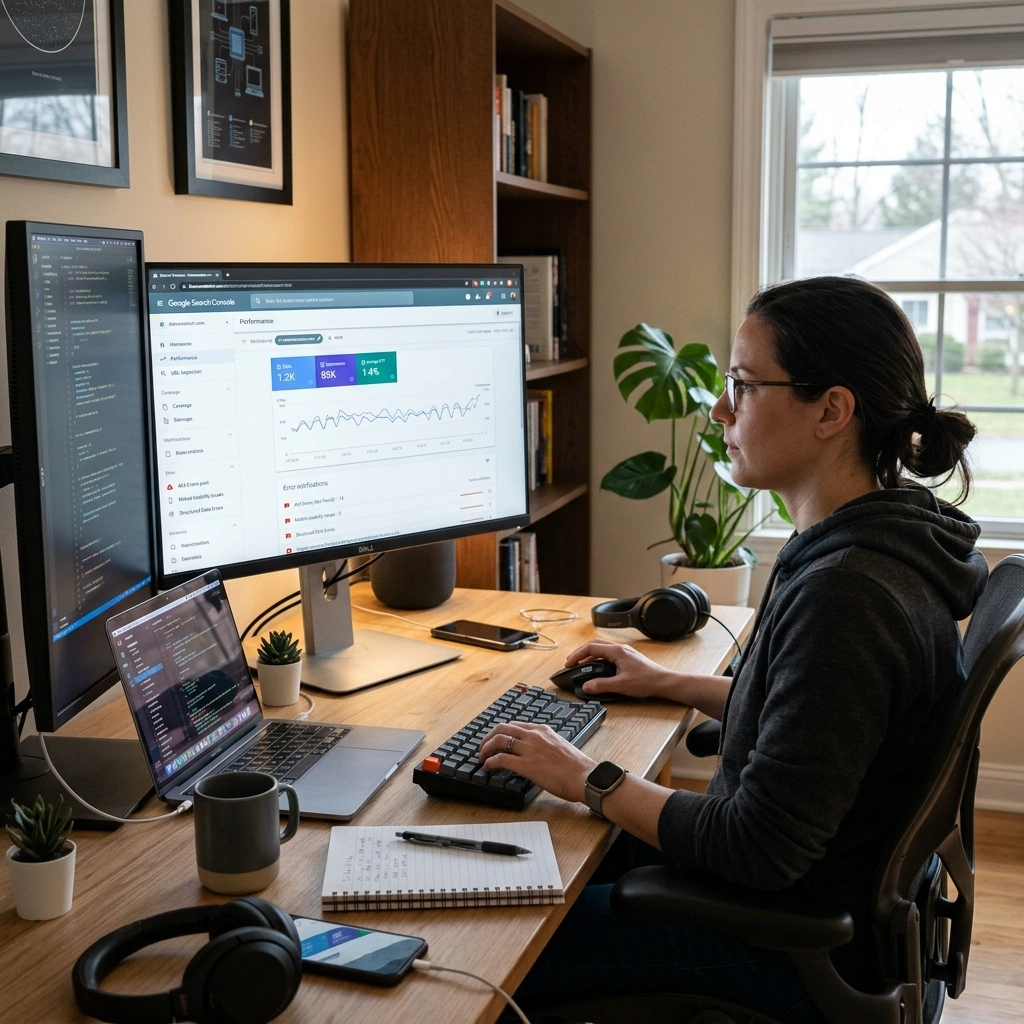
Google Search Console (GSC) is one of the most important tools when working on How to Fix Technical SEO Issues on Website because it shows exactly how Google interacts with your site. Inside the “Pages” report under the “Index” section, you can identify why certain pages are not being indexed or properly crawled.
Common issues include server errors (5xx), which usually indicate hosting or server performance problems, and 404 errors, which occur when pages are missing or deleted. For server-related issues, you may need to upgrade your hosting or optimize server response time to ensure Googlebot can access your site smoothly. For 404 errors, either restore the missing page or set up a proper 301 redirect to a relevant live page to preserve SEO value. After fixing these issues, always use the “Validate Fix” option in GSC so Google can re-crawl and update your pages.
Website Indexing Issues and Solutions
Even when pages are crawled successfully, they may still not appear in search results, which is a common challenge in How to Fix Technical SEO Issues on Website. This usually happens due to thin content, duplicate content, or accidental “noindex” tags placed on important pages. When a page shows as “Crawled – currently not indexed,” it’s important to review its quality and ensure it provides unique, valuable, and in-depth information compared to other pages on your site.
You should also inspect your HTML and page headers carefully to check for unwanted “noindex” directives, which are often left behind after development or staging updates. Removing these tags and resubmitting the URL through the Google Search Console URL Inspection tool usually resolves indexing problems within a short time, helping improve your overall SEO performance.
Improve Website Speed for Technical SEO
Mobile-Friendly SEO Optimization Fixes
Google uses mobile-first indexing, meaning it evaluates the mobile version of your site before the desktop version. A site that looks great on a laptop but breaks on a smartphone will suffer in search results.
Implement responsive design so your layout adapts automatically to any screen size. Ensure text is readable without zooming and that tap targets (like buttons and links) are spaced far enough apart to prevent accidental clicks. Avoid using invasive pop-ups on mobile devices, as these frustrate users and can incur search engine penalties.
Broken Links and Redirect Issues SEO Fix

Internal and external broken links create dead ends for search crawlers and frustrate visitors. Run a site crawl monthly to catch 404 errors early. Update the broken links to point to live, relevant pages.
Manage your redirects carefully. Relying on redirect chains (Page A redirects to Page B, which redirects to Page C) dilutes link equity and slows down crawl times. Always point your old URLs directly to their final destination using a permanent 301 redirect.
Canonical Tag Issues in Technical SEO
E-commerce sites and large blogs often generate multiple URLs featuring the exact same content. This happens through sorting filters, tracking parameters, or category tags. Search engines view this as duplicate content, which splits your ranking power.
Canonical tags act as a signpost, telling search engines which version of a page is the “master” copy. Ensure every page has a self-referencing canonical tag by default. When you have identical pages, point their canonical tags to your preferred URL. This consolidates your SEO equity and prevents keyword cannibalization.
Structured Data and Schema Markup Fixes
Structured data translates your content into a language search engines natively understand. It enables rich snippets, like star ratings, recipe times, and event dates, to appear directly in search results.
Use Google’s Rich Results Test tool to check your existing markup. Common errors include missing required fields or incorrectly nested code. Stick to JSON-LD formatting, as it is the most widely supported and easiest to implement. Keep your schema markup updated to match the visible content on the page to avoid manual penalties.
On-Page Technical SEO Optimization Tips
Technical SEO overlaps heavily with on-page optimization. Ensure your title tags are concise and accurately describe the page content. Keep URLs short, descriptive, and free of unnecessary numbers or symbols.
Use hierarchical heading tags (H1, H2, H3) to structure your content logically. This helps screen readers and search bots understand the relationship between different sections of your text. Finally, optimize your internal linking strategy. Use descriptive anchor text to connect related topics, distributing authority throughout your domain.
Frequently Asked Questions
What is technical SEO?
Technical SEO refers to website and server optimizations that help search engine spiders crawl and index your site more effectively, aiming to improve organic rankings.
Why is technical SEO important?
Without it, search engines cannot access or understand your website. Even the best content will fail to rank if technical barriers prevent bots from crawling your pages.
How often should I perform a technical SEO audit?
Perform a comprehensive audit quarterly. However, you should run automated mini-crawls monthly to catch broken links and minor errors before they escalate.
How do I fix crawl anomalies?
Identify the affected URLs in Google Search Console. Check for server downtime, blockages in your robots.txt file, or rogue redirects, then validate the fix in the console.
What is a robots.txt file?
It is a simple text file placed in your site’s root directory. It tells search engine bots which pages they are allowed to crawl and which they should ignore.
Does website speed affect SEO?
Yes. Page speed is a confirmed ranking factor. Faster sites provide better user experiences, leading to lower bounce rates and higher conversions.
What is an XML sitemap?
An XML sitemap is a file listing all the important pages on your website. It serves as a roadmap for search engines, helping them discover your content quickly.
How do I fix 404 errors?
Identify the broken URL causing the 404 error. Either restore the missing content or implement a 301 redirect to point the old URL to the most relevant active page.
What is a 301 redirect?
A 301 redirect is a permanent redirection from one URL to another. It passes the vast majority of link equity from the old page to the new one.
What does mobile-first indexing mean?
It means Google predominantly uses the mobile version of a webpage’s content for indexing and ranking, rather than the desktop version.
What is a canonical tag?
A canonical tag (rel=”canonical”) is an HTML snippet that defines the main version for duplicate, near-duplicate, and similar pages, preventing duplicate content issues.
How do I find duplicate content on my site?
Use SEO crawling tools like Screaming Frog, SEMrush, or Ahrefs. These tools highlight pages with identical or highly similar title tags, meta descriptions, and body text.
What is structured data?
Structured data is code added to your website that helps search engines better understand your content, often resulting in rich snippets in search results.
How do I fix a site that is not indexed by Google?
Check your robots.txt file to ensure you aren’t blocking Googlebot. Verify you don’t have “noindex” tags on the pages, and submit your XML sitemap in Google Search Console.
What is keyword cannibalization?
This occurs when multiple pages on your website target the exact same keyword. It confuses search engines, forcing your own pages to compete against each other for rankings.
Secure Your Search Engine Rankings Today
Mastering How to Fix Technical SEO Issues on Website can completely transform a struggling website into a strong, high-performing digital asset. Technical SEO is not something you fix once and forget—it requires ongoing monitoring, regular audits, and continuous improvements as search engine algorithms evolve and user expectations change over time.
To get started, focus on running a full website crawl to uncover hidden issues that may be affecting performance. Prioritize fixing critical errors in Google Search Console, such as crawl errors, indexing problems, and broken links. At the same time, work on improving site speed, mobile usability, and overall site structure to ensure both users and search engines can navigate your website smoothly.
By consistently applying the principles of How to Fix Technical SEO Issues on Website, you create a stronger foundation for long-term SEO success. Take immediate action by auditing your site, resolving key technical issues, and optimizing performance—this will help your content gain better visibility and allow search engines to fully reward your website’s true value.