
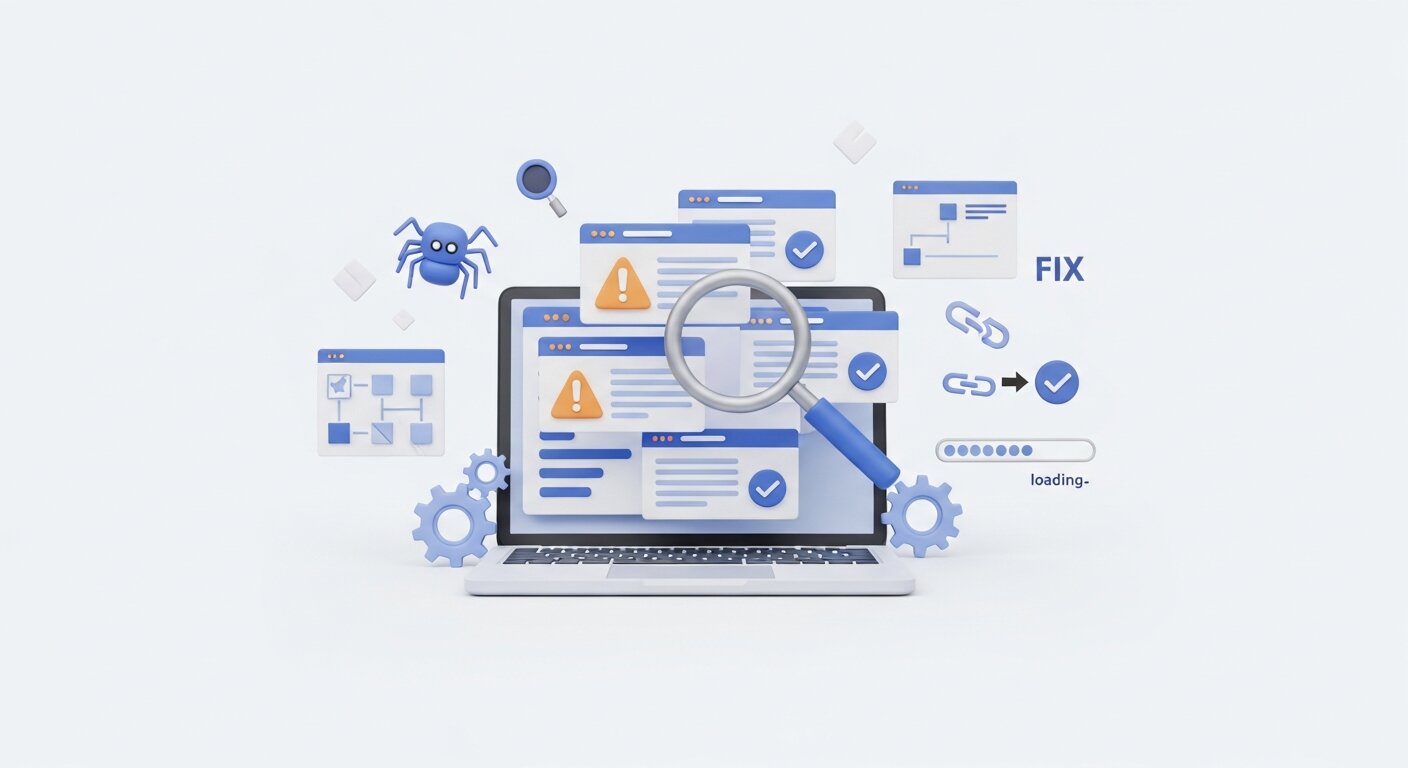
Understanding how to fix indexing issues on website architectures is a core skill for any website owner or SEO professional. Indexing is the process where search engines store and organize the information found on your web pages. When a user types a query, the search engine scours this massive index to provide the most relevant answers. If your site is missing from this database, you miss out on organic traffic, leads, and revenue.
Fortunately, most website indexing problems are easily diagnosed and resolved once you know where to look. By checking a few key configurations and utilizing free tools, you can ensure search engines read your site correctly. This guide outlines the most common roadblocks, actionable technical SEO indexing fixes, and steps to improve website crawlability so your content gets the visibility it deserves.
Why Pages Are Not Indexing

Before applying fixes, you need to understand why search engine indexing issues happen in the first place. Search engines use automated bots, often called spiders or crawlers, to navigate the web. These bots follow links from one page to another. If they encounter a barrier, they stop crawling, and the page remains unindexed.
Several factors cause pages to drop out of the index or fail to enter it. Sometimes, intentional directives block crawlers. Other times, poor site structure isolates pages, leaving them orphaned without any internal links pointing to them. Slow server response times can also force bots to abandon the crawl to save resources. Identifying the specific root cause is the first step to troubleshoot website indexing successfully.
Common Google Indexing Errors
When managing search visibility, Google is usually the primary focus. Google Search Console indexing reports provide detailed feedback on how the search engine interacts with your site. You will likely encounter a few common Google indexing errors during an audit.
A “Crawled – currently not indexed” status means Google found the page but chose not to index it yet. This often points to low content quality or duplicate content. A “Discovered – currently not indexed” error indicates Google knows the URL exists but the site was overloaded, so the bot rescheduled the crawl. You might also see “Submitted URL marked ‘noindex’,” which means you asked Google to index a page but a meta tag on that page actively tells the bot to go away.
How to Fix Pages Not Indexed by Google
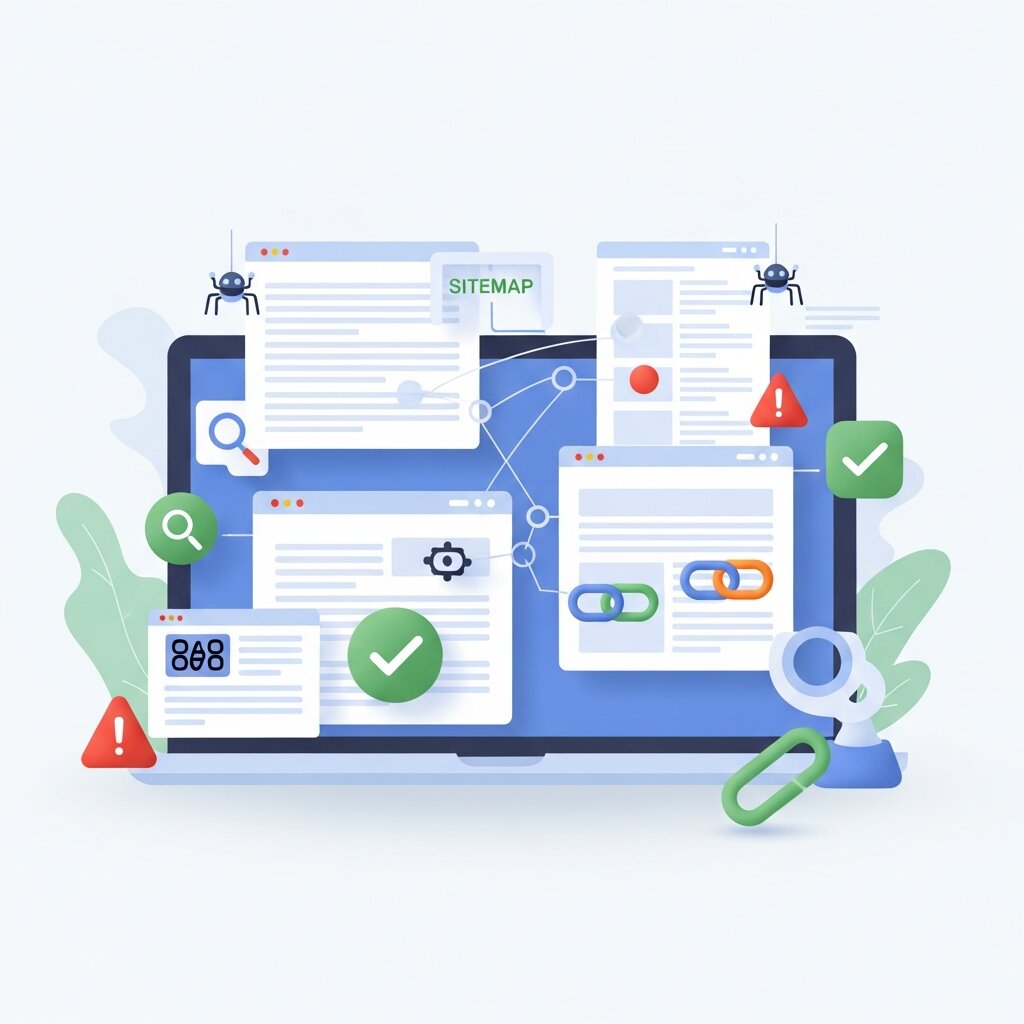
Fixing pages that are not indexed by Google requires a step-by-step technical SEO approach. If search engines cannot properly crawl, understand, or access your content, those pages will never appear in search results no matter how valuable the content may be. Learning how to Fix Indexing Issues starts with identifying the exact reason Google is skipping your pages. Common causes include blocked crawl access, noindex directives, duplicate content, weak internal linking, poor site structure, and slow server performance.
Begin by checking your Google Search Console Pages report to identify indexing errors affecting your website. Use the URL Inspection Tool to see whether Google can crawl the page and understand any warnings or exclusions attached to it. From there, review your robots.txt file, remove accidental noindex tags, improve internal linking, and ensure the page is included in your XML sitemap. You should also optimize page speed, fix broken links, and avoid duplicate content issues that may confuse search engines. By applying these technical SEO improvements consistently, you can Fix Indexing Issues more effectively, improve crawlability, and increase the chances of your pages ranking in Google search results.
Inspect Your Robots.txt File
Your robots.txt file acts as a traffic controller for search engine crawlers, telling them which sections of your website they are allowed to access and which areas should remain restricted. Even a small mistake in this file can create serious indexing problems. For example, a misplaced “Disallow” command can accidentally block important pages, blog posts, categories, or even your entire website from being crawled and indexed by Google. This is one of the most common technical SEO mistakes website owners overlook.
To Fix Indexing Issues, regularly review your robots.txt file and confirm that essential pages are accessible to search engine bots. Pay close attention after website redesigns, CMS updates, or plugin installations, since these changes can sometimes modify robots.txt settings automatically. You should also test your robots.txt file in Google Search Console to verify that critical URLs are not blocked from crawling.
Fix Errant Noindex Tags
A “noindex” tag is an HTML directive that tells search engines not to include a page in search results. While these tags are useful for private pages, thank-you pages, or staging environments, they can become a major SEO problem if accidentally placed on important public pages. Many developers add noindex tags during website development and forget to remove them once the site goes live.
If you are trying to Fix Indexing Issues, check your page source code or use SEO tools and browser extensions to identify hidden noindex directives. Also review your CMS settings and SEO plugins because some platforms automatically apply noindex settings to categories, tags, or archives. Removing incorrect noindex tags allows Google to properly crawl and index valuable content, improving your website’s visibility in search results.
Improve Website Crawlability
Search engine bots rely heavily on links to discover and navigate content across your website. When a page has little or no internal linking, it becomes difficult for crawlers to find and index it. These isolated pages are commonly called “orphan pages,” and they often struggle to rank in search engines even if the content is high quality.
To improve crawlability and Fix Indexing Issues, create a clear and organized website structure. Group related content into logical categories and connect pages through contextual internal links. Your navigation menu should highlight important pages, while blog posts should naturally link to related articles and resources. Strong internal linking not only helps search engines discover content faster but also improves user experience and distributes SEO authority throughout your site.
Submit an XML Sitemap
An XML sitemap is a structured file that lists all the important URLs on your website that you want search engines to crawl and index. Think of it as a roadmap that guides search engine bots directly to your content. Without a sitemap, some pages may remain undiscovered, especially on large websites or newer sites with limited backlinks, which can lead to indexing issues over time.
To fix indexing issues effectively, make sure your XML sitemap is automatically updated whenever new pages or blog posts are published. Remove broken URLs, redirected pages, and unnecessary duplicate pages from the sitemap to keep it clean and optimized. Once updated, submit your sitemap through Google Search Console so Google can discover and process your content more efficiently. Regular sitemap maintenance is one of the best ways to prevent indexing issues, improve crawl coverage, and help new pages get indexed faster.
Technical SEO Indexing Fixes
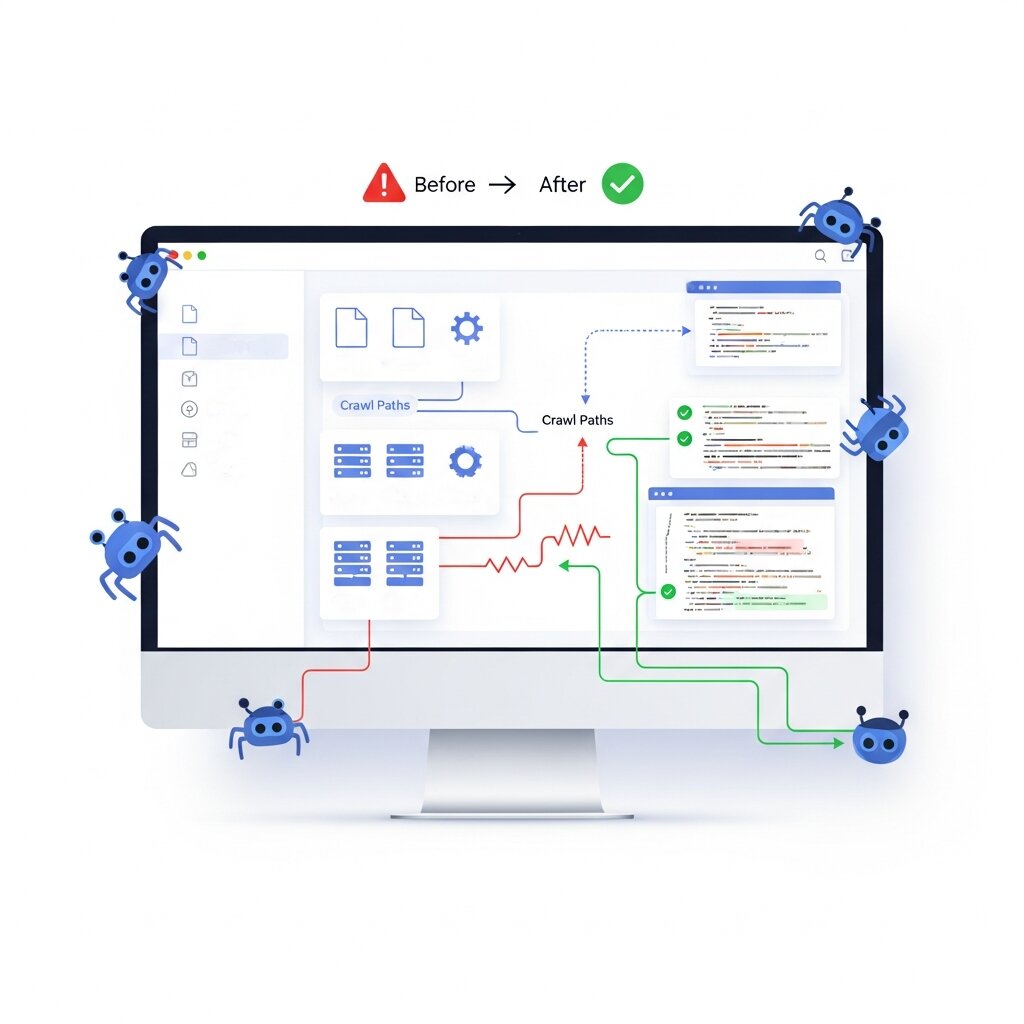
Sometimes indexing problems go beyond simple crawl errors and are rooted in the technical structure of your website. Issues such as duplicate content, slow server response times, broken redirects, incorrect canonical tags, and poor mobile optimization can all cause serious indexing issues that prevent pages from being indexed correctly. These deeper technical SEO problems often reduce crawl efficiency and waste your website’s crawl budget.
To fix indexing issues effectively, perform regular technical SEO audits to identify hidden errors affecting search engine access. Optimize your server performance, fix broken links, reduce redirect chains, and ensure canonical tags point to the correct version of each page. Addressing these technical indexing issues helps search engines crawl your website more efficiently, strengthens index coverage, and increases your chances of ranking higher in search results.
Resolve Canonicalization Issues
If you have multiple versions of the same page, search engines get confused about which one to index. This happens frequently with e-commerce sites featuring product variations or parameter URLs. Use canonical tags to point search engines to the primary, preferred version of the page. This helps fix indexing issues by consolidating ranking signals and preventing duplicate content problems that can confuse search engines.
Optimize Site Speed and Server Performance
Crawl budget refers to the number of pages a search engine will crawl on your site within a given timeframe. If your server is slow to respond, the bot will crawl fewer pages, which can create indexing issues across your website. Upgrading your hosting environment, utilizing a Content Delivery Network (CDN), and optimizing large image files will improve server response times. These improvements help fix indexing issues by allowing bots to crawl and index more pages efficiently.
Fix Broken Links and Redirect Chains
Frequently Asked Questions
What does indexing mean in SEO?
Indexing is the process where search engines store and organize the content they find on the web. A page must be indexed to appear in search results, and proper indexing helps prevent common indexing issues that reduce visibility.
How do I know if my website is indexed?
You can do a quick check by typing “site:yourdomain.com” into Google. For more accurate insights into indexing issues and page status, check the Pages report in Google Search Console.
Why is my new page not indexed immediately?
Search engines need time to discover and process new content. It can take anywhere from a few hours to several weeks depending on your site’s authority, crawl rate, and whether there are any indexing issues affecting discovery.
How to fix indexing issues on website platforms like WordPress?
To fix indexing issues in WordPress, check your “Search Engine Visibility” setting under Settings > Reading. Make sure the option asking search engines not to index the site is unchecked.
What is a crawl budget?
Crawl budget is the number of pages a search engine bot will crawl on your site over a specific period. It is influenced by server capacity, site popularity, and technical indexing issues that may slow down crawling.
Does website speed affect indexing?
Yes. Slow loading times can contribute to indexing issues because search engine bots may abandon the crawl early, preventing some pages from being discovered and indexed.
How do I force Google to index my site?
You cannot force Google to index a page, but you can reduce indexing issues and speed up the process by requesting indexing through the URL Inspection Tool in Google Search Console.
What is a sitemap and do I need one?
What does “Crawled – currently not indexed” mean?
Google found your page and crawled it, but decided not to include it in the index. This usually requires improving the content quality or checking for duplication.
What does “Discovered – currently not indexed” mean?
Google knows the URL exists but delayed the crawl, typically because crawling it right then would have overloaded your site’s server.
Can duplicate content stop pages from indexing?
Yes. Search engines prefer unique content. If multiple pages have identical content, the search engine will typically only index one version.
How do internal links help indexing?
Internal links create pathways for crawlers. Strong internal linking helps bots discover new pages and understand the hierarchy of your site.
What is a canonical tag?
A canonical tag is an HTML element that tells search engines which version of a URL is the master copy, helping prevent duplicate content issues.
Will fixing a 404 error help indexing?
Fixing 404 errors helps preserve your crawl budget. By replacing dead links with working ones, you keep search engine bots moving smoothly through your site.
Does social media sharing index my pages faster?
While social media links are typically “nofollow” and do not pass SEO authority, driving traffic to a page can sometimes lead to faster discovery by search engines.
Secure Your Search Visibility
Troubleshooting indexing problems ensures your hard work actually reaches your target audience. By monitoring your Google Search Console reports, managing your robots.txt file, and maintaining a healthy internal linking structure, you remove the barriers standing between your content and the search results. Make technical SEO audits a regular part of your website maintenance. Start by submitting your sitemap today, and watch your organic visibility grow.