

You spend hours crafting the perfect webpage, optimizing the content, and hitting publish. You wait for the organic traffic to start rolling in. Days pass, then weeks, and your analytics dashboard remains flat. The problem might not be your content or your keyword strategy. Your page might simply be invisible to search engines.
Search engine bots need to find, read, and store your web pages before they can display them in search results. When this process breaks down, your website loses valuable visibility and potential revenue. Learning how to fix indexing issues on website platforms is a critical skill for any site owner or SEO professional.
This guide walks you through the exact steps to identify and resolve these frustrating technical roadblocks. We will explore the common reasons search engines ignore your pages and provide actionable solutions to get your content ranking.
Understanding Search Engine Indexing
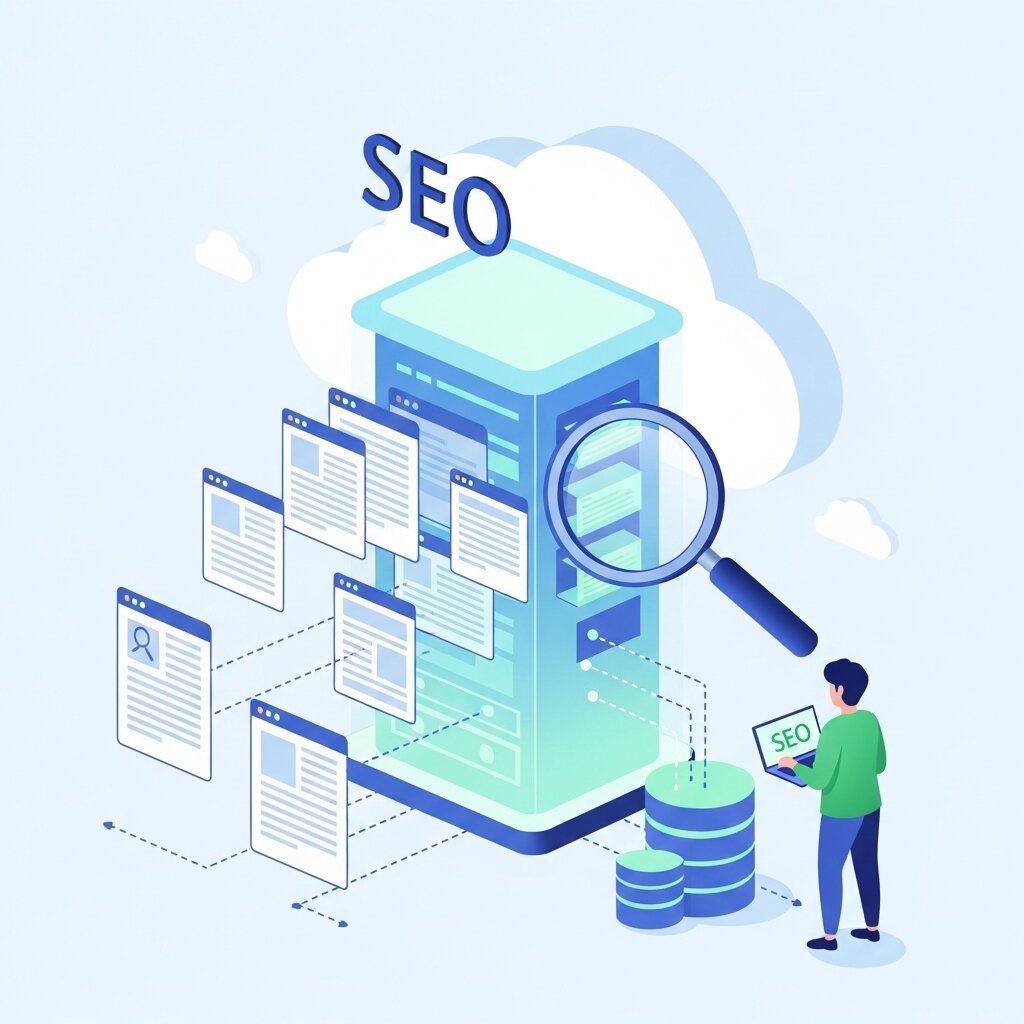
Before diving into troubleshooting, it helps to understand how search engines interact with your website. The process happens in three distinct phases: crawling, indexing, and ranking.
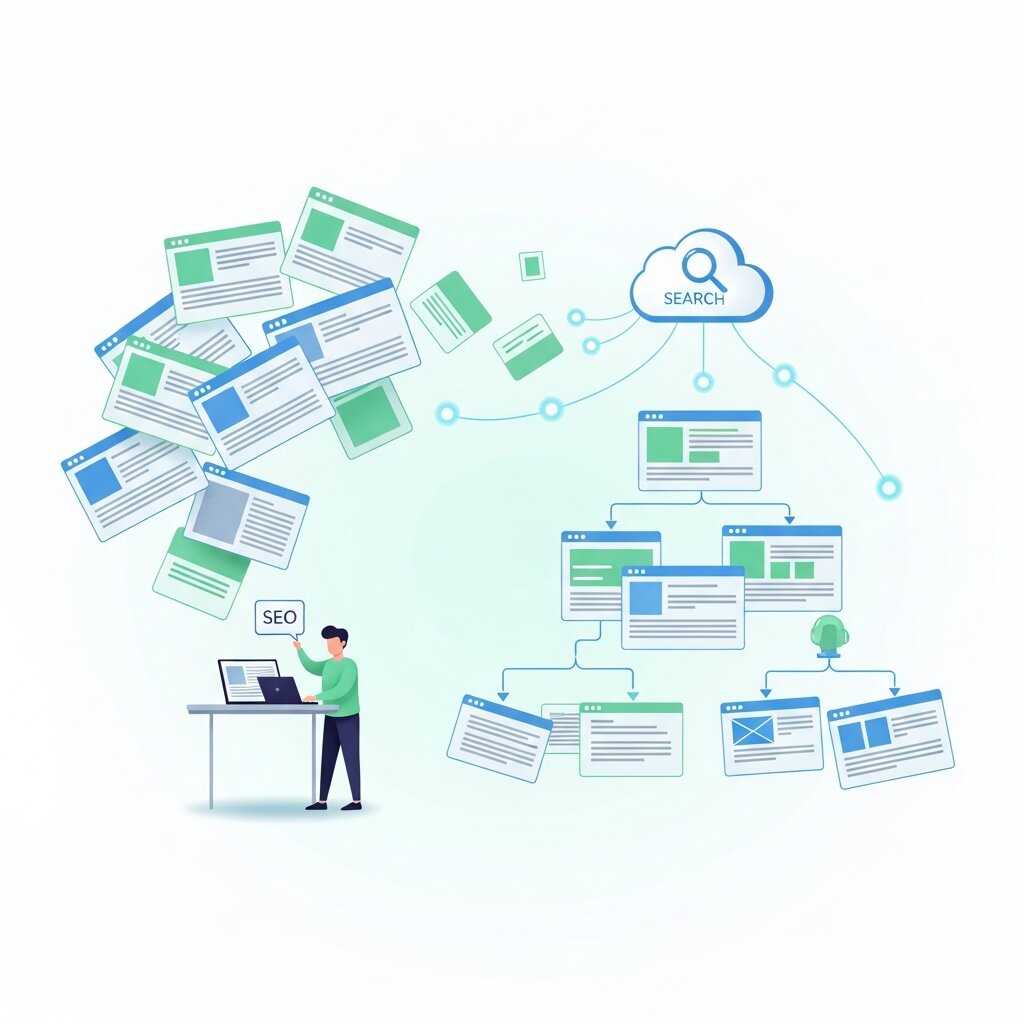
Crawling occurs when automated bots, like Googlebot, discover new and updated pages on the web. They follow links from known pages to find new URLs. Once the bots discover a page, they attempt to understand its content. This is the indexing phase. The search engine analyzes the text, images, and video files, storing this information in a massive database called the index. Finally, when a user types a query, the search engine sifts through this index to provide the most relevant answers, which is the ranking phase.
If a page fails to make it into the index, it has zero chance of ranking. It essentially does not exist in the eyes of the search engine. That is why monitoring your index coverage is non-negotiable for sustained organic growth.
Common Causes of Indexing Problems
Several technical misconfigurations can block search engines from storing your web pages. Identifying the root cause is the first step in learning how to fix indexing issues on website structures.
Blocked by Robots.txt
Your robots.txt file acts as a set of instructions for search engine crawlers. It tells them which areas of your site they can and cannot visit. A simple typo or a misplaced “Disallow” directive can accidentally block bots from crawling your most important pages. Developers often use these blocks during the staging phase of a website and forget to remove them when the site goes live.
Misconfigured Noindex Tags
The “noindex” meta tag is a powerful tool used to keep specific pages out of search results. You might use it for internal search result pages, thank-you pages, or thin content. However, applying this tag to a page you actually want to rank will immediately stop search engines from indexing it. This often happens due to plugin conflicts or human error in the content management system.
Server Errors and Crawl Anomalies
If your server takes too long to respond or returns a 5xx error when Googlebot tries to visit, the crawler will abandon the attempt. Frequent server downtime or heavy server loads can severely restrict your crawl budget. Crawl anomalies refer to unknown errors that prevent the search engine from fetching the page correctly.
Poor Internal Linking and Orphan Pages
Search engines rely on links to discover new content. If a page has no internal links pointing to it, it is considered an “orphan page.” Without a clear path to follow, crawlers might never find the page, leaving it out of the index entirely. A strong site architecture with logical internal linking ensures bots can navigate your site efficiently.
Step-by-Step Guide: How to Fix Indexing Issues on Website
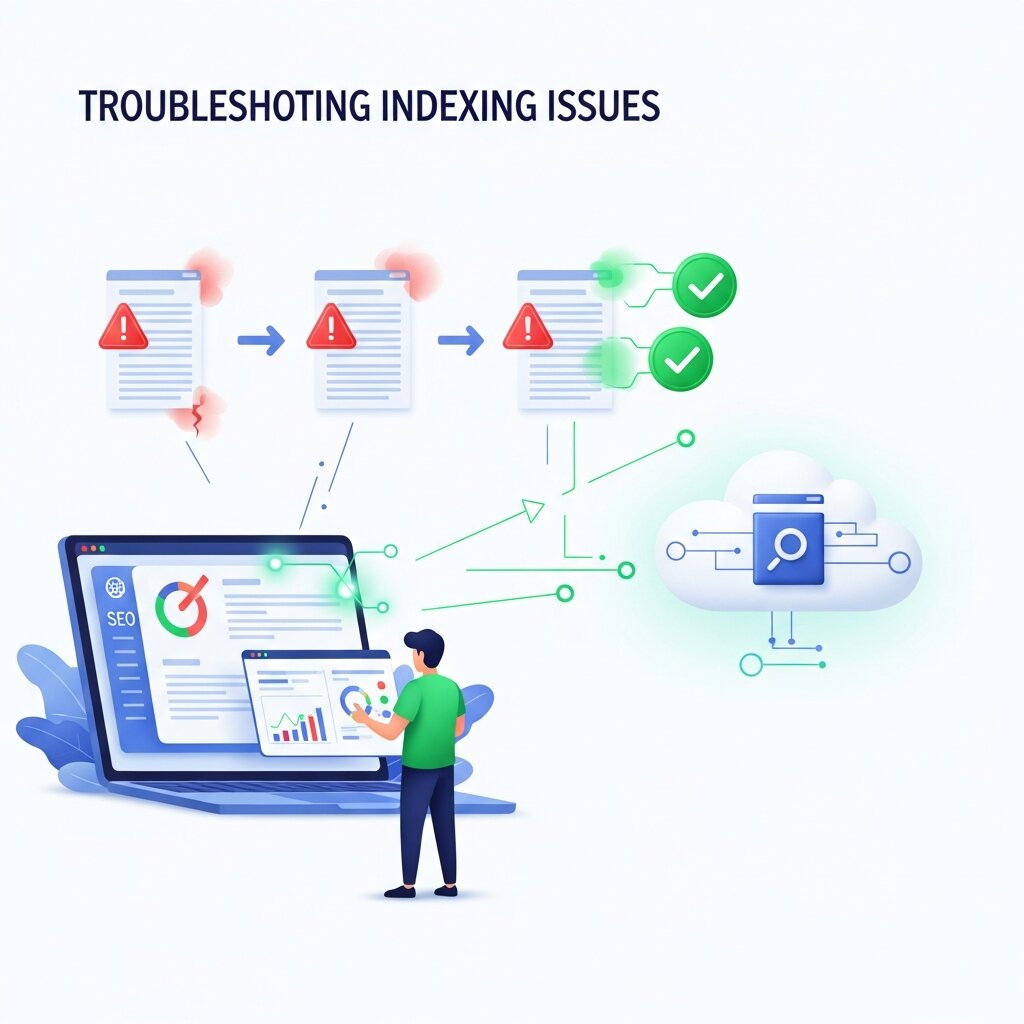
Now that we know what causes these problems, let us look at the practical steps to resolve them.
Step 1: Check Google Search Console
Google Search Console (GSC) is the most valuable tool for diagnosing indexing errors. Open your GSC dashboard and navigate to the “Pages” report under the “Index” section. This report provides a comprehensive breakdown of why certain pages are not indexed. You will see categories like “Crawled – currently not indexed” or “Discovered – currently not indexed.” Review these lists to identify patterns and specific URLs that need attention.
Step 2: Utilize the URL Inspection Tool
When you find a specific page that is missing from the index, plug it into the URL Inspection tool at the top of the GSC interface. This tool provides real-time information about the page. It will tell you if the page is blocked by robots.txt, if it contains a noindex tag, or if there is a canonicalization issue. Once you identify the specific error, you can implement the necessary fix in your website’s backend.
Step 3: Review and Update Your Sitemap
Your XML sitemap serves as a roadmap for search engines. Ensure your sitemap is up to date, properly formatted, and submitted to Google Search Console. Check that the sitemap only includes pages you want indexed—meaning it should exclude pages with noindex tags, redirects, or canonical tags pointing elsewhere. A clean sitemap helps crawlers prioritize your most important content.
Step 4: Fix Broken Links and Redirect Loops
Broken links (404 errors) and redirect loops confuse search engine bots and waste your crawl budget. Run a site audit using tools like Screaming Frog or Ahrefs to identify these issues. Update broken internal links to point to live pages. If a page has permanently moved, implement a clean 301 redirect. Avoid chaining multiple redirects together, as bots will eventually give up following them.
Step 5: Improve Page Quality
Sometimes, a page is crawled but not indexed because search engines deem the content low quality. “Crawled – currently not indexed” often points to thin content, duplicate content, or pages that offer no unique value to users. To fix this, review the page objectively. Add more comprehensive information, improve the formatting, optimize the metadata, and ensure it satisfies user intent.
Frequently Asked Questions
What does website indexing mean?
Website indexing is the process where search engines like Google crawl and store your web pages in their database so they can appear in search results. If a page is not indexed, it won’t show up in search results at all. Understanding this is the first step in learning how to fix indexing issues on website pages, since indexing determines whether your content is visible or not.
How long does Google take to index a new page?
Indexing can take anywhere from a few hours to several weeks. The timing depends on factors like site authority, crawl frequency, and how often you update content. Improving structure and submitting sitemaps can help when focusing on how to fix indexing issues on website performance.
Why is my website not showing up on Google?
Your site may be new, blocked by robots.txt, using noindex tags, or lacking proper internal and external links. Sometimes technical errors can also cause issues. Google Search Console is the best tool to diagnose this and understand how to fix indexing issues on website visibility problems.
What is a crawl budget?
Crawl budget is the number of pages Googlebot crawls on your site within a certain time. It depends on server speed and website authority. Managing it properly is important for how to fix indexing issues on website structure, especially for large sites.
How do I force Google to index my site?
You cannot force indexing, but you can request it using the URL Inspection tool in Google Search Console. Submitting a sitemap and improving internal links also helps when working on how to fix indexing issues on website indexing speed.
Does website speed affect indexing?
What is a robots.txt file?
It is a text file placed in your website’s root directory that tells search engine crawlers which pages or files they can or cannot request from your site.
How do noindex tags work?
A noindex tag is an HTML snippet placed in the head section of a webpage. It explicitly tells search engines not to include that specific page in their search index.
What is the difference between crawling and indexing?
Crawling is the act of bots discovering and reading your web pages. Indexing is the subsequent step where the search engine stores and organizes that data in its database.
Can duplicate content stop pages from being indexed?
Yes. If search engines find multiple pages with nearly identical content, they will usually only index one version (the canonical version) and ignore the rest to prevent cluttering search results.
How do I use Google Search Console for indexing?
You can use the “Pages” report to see which URLs are not indexed and why. You can also use the URL Inspection tool to troubleshoot individual pages and request indexing.
Will a sitemap guarantee indexing?
No. A sitemap helps search engines discover your pages faster, but it does not guarantee that Google will index them. The pages still need to meet quality standards.
What are soft 404 errors?
A soft 404 occurs when a page displays a “not found” message to the user but returns a “200 OK” status code to the search engine. This confuses bots and harms indexing.
Do backlinks help with indexing?
Yes. External links from reputable websites act as pathways for search engine bots. A new page with high-quality backlinks will generally be crawled and indexed much faster.
How often does Google crawl a website?
Crawl frequency varies greatly. News sites might be crawled every few minutes, while a static brochure website might only be crawled once every few weeks. Updating your content frequently encourages more regular crawling.
Securing Your Search Visibility
Technical SEO can feel overwhelming, but keeping your site accessible to search engines is the foundation of digital marketing success. By routinely checking Google Search Console and understanding how to fix indexing issues on website platforms, you prevent minor technical glitches from destroying your organic traffic.
Take the time this week to audit your robots.txt file, review your XML sitemap, and inspect any high-value pages that are missing from search results. A few simple adjustments in your backend can immediately restore your visibility and get your content back in front of your target audience.