

Slow page load times

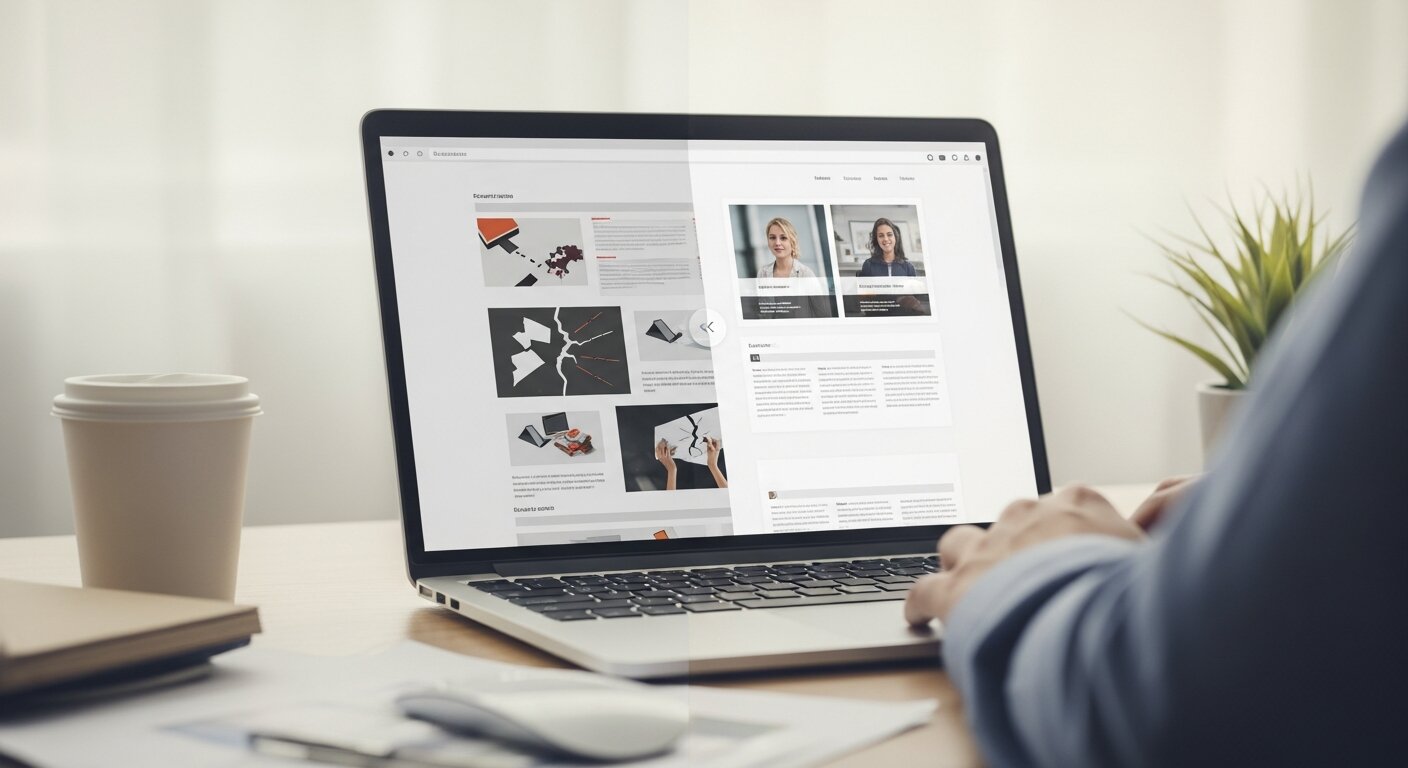
Patience is incredibly scarce online. If a webpage takes more than a few seconds to load, a significant portion of visitors will abandon it entirely. Search engines also penalize slow websites, pushing them further down the search results.
The impact of slow speeds
Heavy images, excessive plugins, and poorly written code all contribute to sluggish performance. When a user clicks a link and is met with a blank screen or a loading spinner, their excitement quickly turns to annoyance. A delay of just a few seconds can drop your conversion rates drastically. Every second counts when trying to capture and hold a visitor’s attention.
How to fix slow loading
Start by running your website through a speed testing tool like Google PageSpeed Insights. This will highlight specific areas dragging down your performance. You can typically see immediate improvements by compressing large images before uploading them. Next, look into caching solutions, which store copies of your website’s files so they load much faster for returning visitors. Finally, minimize the use of heavy scripts and evaluate your hosting plan. If your server cannot handle your traffic volume, it might be time for an upgrade.
Poor mobile responsiveness

Most web traffic now comes from smartphones and tablets. Designing exclusively for desktop screens is a guaranteed way to alienate a massive segment of your audience.
The shift to mobile browsing
A site that looks beautiful on a desktop monitor can become an unusable mess on a small screen. Text might shrink to an illegible size, buttons may overlap, and users might have to pinch and zoom just to read a sentence. This creates a highly frustrating experience that drives mobile users away instantly.
Making your site mobile-friendly
Adopt a responsive design framework. This ensures your website automatically adapts its layout based on the screen size of the device being used. Test your website on various devices to ensure buttons are large enough to be tapped with a thumb and text remains legible without zooming. Pay close attention to spacing; touch targets need enough room around them to prevent accidental clicks.
Confusing navigation menus
Your navigation menu is the steering wheel of your website. If users cannot figure out how to find what they need, they will leave.
Why clear navigation is essential
Creative or unconventional menus might look interesting, but they often confuse visitors. People rely on familiar structures to find their way around a new website. When you hide essential pages behind vaguely named categories or complex dropdowns, you create unnecessary cognitive load. Visitors should never have to guess where a link will take them.
Streamlining your site’s architecture
Keep your primary navigation simple and descriptive. Use clear, widely understood labels like “About Us,” “Services,” and “Contact.” Limit the number of top-level menu items to five or seven to avoid overwhelming the user. If you have a large site with hundreds of pages, utilize a mega menu or implement a robust search bar to help users bypass the menu entirely. Breadcrumbs are also highly effective, allowing users to trace their path back to previous pages easily.
Unclear calls to action (CTAs)
A call to action tells the user what they should do next. Without clear CTAs, visitors might consume your content and then leave, simply because they were not directed toward the next step.
The problem with vague buttons
Buttons that say “Submit” or “Click Here” offer zero context. The user does not know what will happen when they click. Furthermore, if your CTAs blend into the background colors of your website, visitors might scroll right past them without even realizing they are there.
Designing CTAs that convert
Use action-oriented, descriptive language on your buttons. Phrases like “Download Your Free Guide,” “Start Your Trial,” or “Book a Consultation” explicitly tell the user what to expect. Visually, your CTAs should stand out. Use a contrasting color that grabs attention while remaining cohesive with your brand palette. Ensure there is plenty of whitespace around the button so it draws the eye naturally.
Inaccessible design elements
The web should be available to everyone, including individuals with visual, auditory, or motor disabilities. Ignoring web accessibility is a major usability failure.
Understanding web accessibility
When you design without accessibility in mind, you block millions of people from interacting with your business. Low contrast text is difficult for visually impaired users to read. Missing alt text on images prevents screen readers from describing the visuals to blind users. Sites that cannot be navigated via a keyboard lock out users who cannot operate a mouse.
Implementing accessible contrast and tags
Use an online contrast checker to ensure your text stands out clearly against its background. Add descriptive alt text to all informative images on your site. Structure your content with proper heading tags (H1, H2, H3) so screen readers can interpret the hierarchy of the page. Finally, test your website using only a keyboard to ensure all menus, links, and forms can be accessed without a mouse.
Intrusive pop-ups and interstitials
Pop-ups and interstitials can be powerful tools for capturing leads, promoting offers, or growing email lists, but they often become a major source of frustration when used poorly. Many websites display them immediately after a page loads, blocking the main content before users even have a chance to interact with the site. Others make them difficult to close, especially on mobile devices, which creates a negative browsing experience and can quickly drive visitors away.
When overused or poorly timed, these interruptions break the natural flow of browsing and reduce user satisfaction. Instead of helping conversions, they can actually increase bounce rates and hurt trust in your brand. The key is to use them strategically—such as after a user has spent some time on the page, scrolled through content, or shown exit intent—so they feel relevant rather than disruptive.
The frustration of constant interruptions
Imagine walking into a physical store and immediately having a salesperson shove a clipboard in your face before you can even look at the merchandise. That is exactly how an immediate pop-up feels to a web visitor. Full-screen overlays that are difficult to close disrupt the reading experience and create intense annoyance. Search engines actively penalize sites that use intrusive interstitials on mobile devices.
Using pop-ups responsibly
If you choose to use pop-ups, time them thoughtfully. Wait until a user has scrolled halfway down the page or spent at least a minute reading your content before displaying an offer. Better yet, use exit-intent pop-ups that only appear when the user moves their mouse toward the browser’s close button. Always ensure the “X” to close the pop-up is large, visible, and easy to click on all devices.
Illegible typography and poor formatting
Content is the core of most websites. If your text is difficult to read, your message is lost.
How text layout affects reading
Reading on a screen is tiring for the eyes. Giant walls of unbroken text are incredibly intimidating and cause readers to lose their place. Using overly decorative fonts for body text forces the brain to work harder to decipher the letters. If the line spacing is too tight, the words blur together.
Choosing the right fonts and spacing
Stick to simple, highly legible fonts for your main body text. Sans-serif fonts like Arial, Helvetica, or Open Sans are generally the easiest to read on digital screens. Keep your font size large enough to read comfortably—usually around 16px for body text. Break up long paragraphs into shorter chunks of three to four sentences. Use bullet points, bold text, and clear subheadings to make your content easily scannable.
Frequently asked questions about website usability
What are website usability issues?
Website usability issues refer to problems that make it difficult for users to navigate, understand, or interact with a website. These can include slow loading speeds, confusing layouts, poor mobile design, and unclear navigation, all of which negatively affect user experience.
Why are website usability issues important to fix?
Fixing website usability issues is crucial because they directly impact user satisfaction, engagement, and conversion rates. A poorly designed website can frustrate visitors and drive them to competitors.
How do website usability issues affect SEO?
Search engines consider user experience as a ranking factor. Website usability issues like high bounce rates, slow load times, and poor mobile optimization can lower your rankings in search results.
What are the most common website usability issues?
Some of the most common website usability issues include slow page speed, non-responsive design, complicated navigation menus, unclear calls to action, and hard-to-read content.
How can I identify website usability issues on my site?
You can identify website usability issues by using tools like Google Analytics, heatmaps, and user testing. Observing real user behavior helps uncover where visitors face difficulties.
How does mobile responsiveness relate to website usability issues?
Poor mobile design is one of the biggest website usability issues today. If your site doesn’t adapt to smaller screens, users will struggle to navigate and quickly leave.
Can website usability issues reduce conversions?
Yes, website usability issues can significantly reduce conversions. If users find it hard to complete actions like filling forms or making purchases, they are more likely to abandon the process.
What role does page speed play in website usability issues?
Slow loading times are a major part of website usability issues. Even a few seconds of delay can frustrate users and lead to higher bounce rates.
How can I fix website usability issues quickly?
You can fix common website usability issues by optimizing images, improving navigation, simplifying layouts, and ensuring your website is mobile-friendly.
Do website usability issues affect user trust?
Yes, frequent website usability issues can damage user trust. A poorly functioning site makes your brand appear unprofessional and unreliable.
How often should I check for website usability issues?
You should regularly audit your site for website usability issues, especially after updates or design changes. Continuous testing ensures a smooth user experience.
Can small changes fix website usability issues?
Absolutely. Many website usability issues can be resolved with small improvements like better spacing, clearer buttons, faster loading speeds, and improved readability.
What is the difference between UI and UX?
User Interface (UI) refers to the specific visual elements of a website, such as buttons, colors, typography, and layout. User Experience (UX) encompasses the entire journey a person takes on your site, focusing on how logical, efficient, and pleasant the interaction is. UI is about how the website looks, while UX is about how the website feels and functions.
How do I test my website for usability issues?
The most effective way to test usability is to watch real people use your site. You can use heat mapping tools like Hotjar to see where users click and how far they scroll. Alternatively, recruit a few people who have never seen your website before. Ask them to complete a specific task, like finding a product or filling out a contact form, and observe where they get stuck or confused.
Does website usability affect SEO?
Yes, absolutely. Search engines prioritize websites that provide a great experience for users. Metrics like bounce rate, time on page, and page loading speed all send signals to search engines about the quality of your site. If visitors constantly leave your site immediately due to usability issues, search engines will assume your site is unhelpful and lower your rankings.
Turn a frustrating website into a user-friendly experience
Your website is often the first interaction a person has with your business. Making a great first impression requires more than just beautiful graphics. It demands a logical structure, fast performance, and an intuitive layout.
Take the time to audit your website specifically looking for these common usability issues. Navigate your pages on a smartphone, test your site speed, and ask for honest feedback from friends or colleagues. Fixing these roadblocks will transform your website from a source of frustration into a powerful tool that guides visitors seamlessly toward their goals.